Automated Bookkeeping for Freelancers
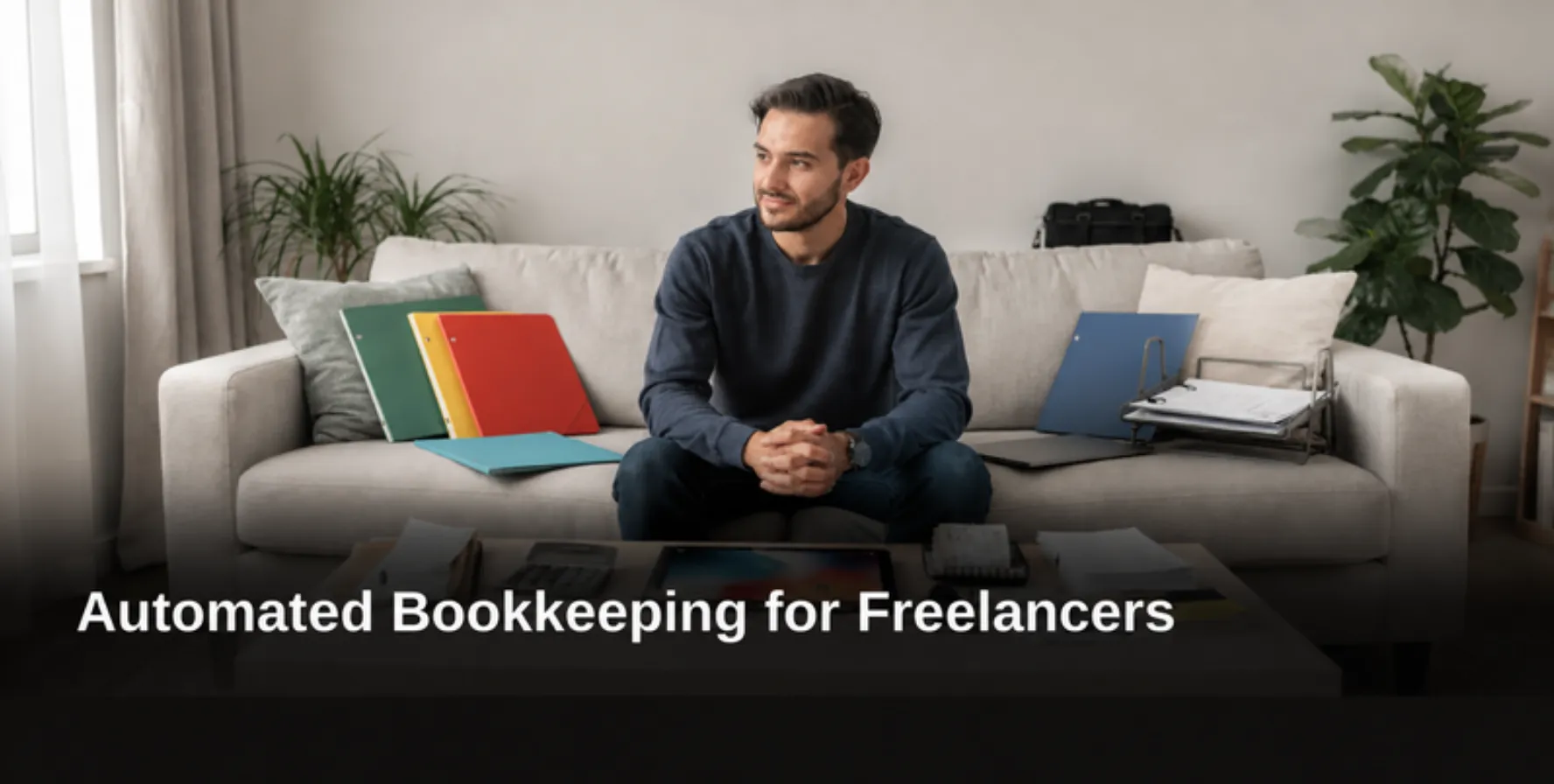
Automated bookkeeping for freelancers means software that records income, expenses, and transactions automatically rather than through manual entry. Pocket Accountant offers a Starter plan with core tracking tools, plus a Pro tier adding bank feeds and receipt autofill; pricing varies by package. Contact the brand directly for details. Freelancers gain organized, audit-ready records and real-time financial reports without juggling disconnected spreadsheets or tools.
Key Takeaways
Automated bookkeeping reduces data entry time, letting freelancers focus on revenue-generating work instead of admin tasks.
Pocket Accountant's receipt scanning automatically extracts financial information, eliminating manual entry errors and maintaining audit-ready records.
Real-time financial reports enable freelancers to track income trends and make data-driven business decisions immediately.
Start free with Pocket Accountant's Starter plan, then upgrade to Pro for bank feeds and advanced financial planning tools.
Why Does Bookkeeping Automation Matter for Freelancers?
Bookkeeping automation matters because freelancers carry the full weight of tracking income, expenses, invoices, and tax obligations alone. No employer withholds taxes or files paperwork on a freelancer's behalf. Every missed receipt or miscategorized expense becomes a personal liability at tax time, not a problem for someone else to fix.
Independent professionals did not choose self-employment for the satisfaction of data entry. Client work, project delivery, and business growth deserve the hours that manual recordkeeping otherwise consumes. Automated bookkeeping for freelancers shifts that balance by handling repetitive tasks that would otherwise eat into billable time.
What tasks can automation actually handle?
Accounting software reduces errors and delivers real-time visibility into cash flow and profitability. This extends across several core functions freelancers rely on daily:
Freelance expense tracking that sorts transactions as they occur
1099 income tracking across multiple clients and payment sources
Automated expense categorization that assigns the correct account without manual sorting
Receipt OCR scanning, which extracts amounts and vendor details from uploaded images
Does automation help with tax planning too?
Yes. Accurate, automated records directly support [quarterly estimated taxes for freelancers](https://Teampockets.com/blog/quarterly-estimated-taxes-for-freelancers/). Underpayment penalties often stem from incomplete expense tracking rather than miscalculation. Clean records also feed freelance profit and loss reporting, giving a clear picture of margins across clients and projects.
Pocket Accountant builds its platform around this principle. Automation stands as the core value proposition, reducing data entry errors while returning time to freelancers, independent professionals, and small business owners who need accurate books without the administrative burden.

How Should Freelancers Track Expenses and 1099 Income?
Freelancers track expenses and 1099 income by separating business activity from personal spending and recording transactions as they happen, not months later. Self-employment places the full weight of financial recordkeeping on the individual. Every invoice, expense, and tax obligation falls to the person earning the income.
Separating personal and business finances into distinct accounts stands out as one of the most valuable habits a self-employed professional can build. A dedicated business checking account creates a clean paper trail for every client payment and deductible expense. Mixing funds makes tax season harder and raises the risk of errors during an audit.
Pocket Accountant supports this structure with automated bookkeeping for freelancers that organizes income, expenses, transactions, and journal entries inside one workspace. Instead of toggling between spreadsheets and bank statements, freelancers see a consolidated record of business activity. This consolidation supports accurate 1099 income tracking throughout the year, not just at filing time.
Should Freelancers Use Bank Feeds or Manual Entry?
Neither approach works best for every freelancer; the right choice depends on income structure. Pocket Accountant offers flexibility by integrating with bank accounts for automatic transaction imports while also allowing manual entry.
This flexibility matters for freelancers with varied income streams, including:
Recurring client retainers deposited through a business account
One-off project payments received via third-party platforms
Cash or check payments that require manual logging
Reimbursed expenses needing separate categorization
Freelancers juggling multiple payment sources gain accuracy by recording transactions through whichever method fits each income stream, rather than forcing every entry into a single rigid workflow.

What Keeps Quarterly Estimated Taxes on Track?
A dedicated savings account, filled consistently throughout the year, keeps quarterly estimated taxes for freelance professionals manageable. Freelancers who transfer a portion of each payment into that account avoid the scramble that hits a checking account every filing deadline. The Accounting for Freelancers: Self-Employed Booking Guide identifies this habit as one of the most effective ways to prevent cash flow problems at tax time.
Knowing the right amount to set aside, however, requires more than a rough guess. Tax-estimate tools calculate a figure based on actual year-to-date business activity rather than last year's income or a apartment percentage pulled from memory. This matters for independent professionals whose monthly revenue swings with project load, client count, or seasonal demand.
Automated bookkeeping for freelancers removes much of the manual tracking that makes quarterly estimates unreliable. Pocket Accountant brings everyday bookkeeping, bank activity, invoices, and reports into one workspace, so freelancers spend less time re-entering data and more time reviewing what the numbers mean.
How does categorization accuracy affect tax estimates?
Miscoded transactions distort year-to-date totals, which throws off any estimate built on top of them. Pro-level review tools surface suggested coding and flag entries needing attention before filing, helping independent professionals catch errors early.
What should a freelancer check before sending a quarterly payment?
Three items matter most before submitting any payment:
Year-to-date income totals, confirmed against bank activity and invoices
Categorized deductible expenses, reviewed for accuracy
The current tax-estimate figure, generated from actual business data rather than a prior-year snapshot
Reviewing these three items catches discrepancies before they become filing-season surprises.

How Do Automated Reports and Receipt Scanning Help?
Automated reports turn scattered transactions into a clear financial picture within seconds. Pocket Accountant generates profit and loss statements, balance sheets, cash flow summaries, and aging reports without manual spreadsheet work. For independent professionals juggling multiple clients and project timelines, this speed matters. Waiting weeks for a bookkeeper to compile numbers means decisions get made on outdated information.
Real-time reporting changes that equation entirely. Freelancers can monitor financial trends as they happen, spotting a slow-paying client or a spike in software expenses before it becomes a problem. Freelance profit and loss reporting updates continuously rather than once a quarter, giving solo entrepreneurs the same visibility a larger business might expect from a finance team. Data-driven decisions replace guesswork about which services actually generate margin.
Does Receipt Scanning Replace Manual Data Entry?
Largely, yes. Receipt OCR scanning captures a photograph of a receipt and extracts the vendor, date, and amount automatically. Instead of typing each line item into a ledger, freelancers upload the image and let the system populate the fields. This single habit removes one of the most tedious parts of running a one-person operation.
Uploaded receipts and supporting documents also serve a second purpose beyond convenience. They stay stored and accessible for later review, which matters during tax season or in the event of an inquiry from a tax authority. Keeping documentation organized throughout the year, rather than scrambling to reconstruct it in April, supports automated expense categorization and audit-readiness.
Consider the practical workflow difference:
Manual approach: collect paper receipts, enter data by hand, risk lost documentation.
Automated approach: scan immediately, extract data automatically, retain a searchable digital record.
The second path reduces errors and protects freelancers against missing deductions.
Which Automated Bookkeeping Tool Fits Your Freelance Work?
No single platform suits every freelancer. The right fit depends on how a freelancer earns money, bills clients, and manages daily books, whether that means hourly consulting, project-based design work, or recurring retainer contracts. A freelance photographer invoicing clients per shoot has different needs than a copywriter juggling five ongoing retainers.
Pocket Accountant addresses this range by bringing automated bookkeeping for freelancers into one workspace. Daily transactions, bank activity, invoices, and financial reports live together instead of scattered across spreadsheets and separate apps. That consolidation matters most for independent professionals who cannot afford to lose hours reconciling mismatched records between tools.
Should freelancers start with a free plan or pay for automation right away?
Starting on a no-cost plan lets freelancers test core recordkeeping habits before committing to paid features. Freelancers can log income, track expenses, and build invoices without a subscription charge. Upgrading later unlocks bank feeds and automated categorization once cash flow supports the added functionality.
How often should freelancers review their pricing?
Pricing deserves regular review, not a one-time decision at launch. Rates need to cover the true cost of delivering services, including overhead like software, insurance, and administrative time. Freelance profit and loss reporting makes this review possible by showing margins clearly instead of leaving them buried in bank statements.
Consider the core decision points:
Volume of transactions: High-volume freelancers benefit most from bank-feed automation.
Invoice frequency: Retainer-based freelancers need recurring invoice tools.
Receipt habits: Freelancers who travel or shop frequently gain the most from receipt OCR scanning.
Matching the tool to the workflow, rather than choosing based on name recognition alone, protects both time and accuracy.
FAQ
What does automated bookkeeping for freelancers actually mean?
Automated bookkeeping for freelancers means software records income, expenses, and transactions automatically instead of through manual entry. Pocket Accountant captures receipts, extracts financial information, and organizes data into audit-ready records with real-time reports.
How does Pocket Accountant help freelancers save time?
Pocket Accountant reduces data entry through automated expense categorization and receipt scanning that extracts amounts and vendor details from images. This frees freelancers to focus on client work instead of administrative tasks.
What plans does Pocket Accountant offer freelancers?
Pocket Accountant offers a Starter plan with core tracking tools for freelancers; pricing varies by package. Contact the brand directly for details. The Pro tier adds bank feeds, automated receipt scanning, and more detailed financial planning features.
Conclusion
In closing, automated bookkeeping transforms how freelancers manage their finances by eliminating manual data entry, reducing errors, and providing real-time visibility into business performance. By consolidating transactions, invoices, and financial reports into a single workspace, you gain the clarity necessary to make informed decisions and maintain audit-ready records. The shift from time-consuming administrative work to strategic financial interpretation empowers independent professionals to focus on what matters most: growing their business with confidence and precision.