How Pocket Accountant Simplifies Bookkeeping Small Business
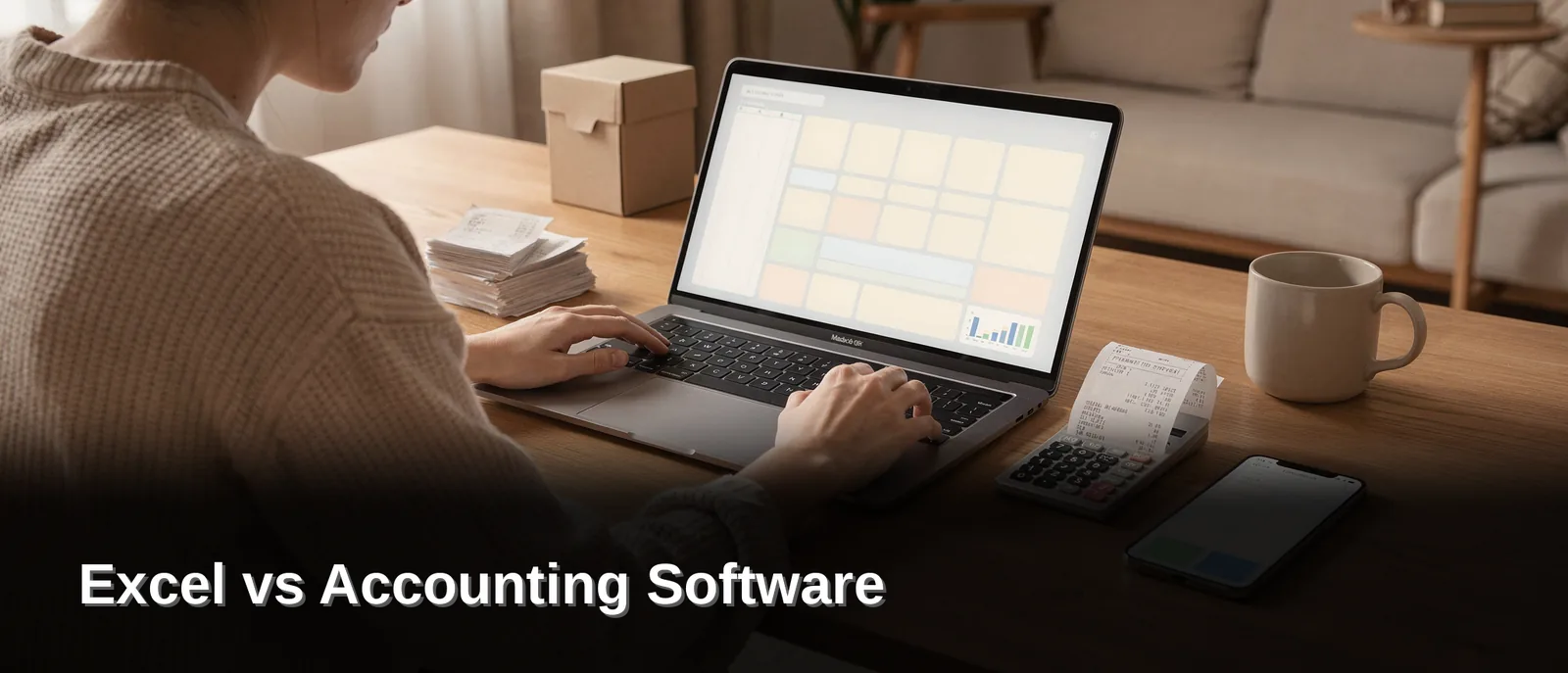
Spreadsheets like Excel demand manual entry and carry higher error risk, while dedicated accounting software automates tasks and scales with growth. Pocket Accountant bridges both worlds for small-business owners, pairing invoicing and bill management software with a built-in receipt tracking app for small business, alongside income and expense tracking and budgeting — all in one workspace, eliminating the disconnected-tool juggling that spreadsheets and generic software often require.
Key Takeaways
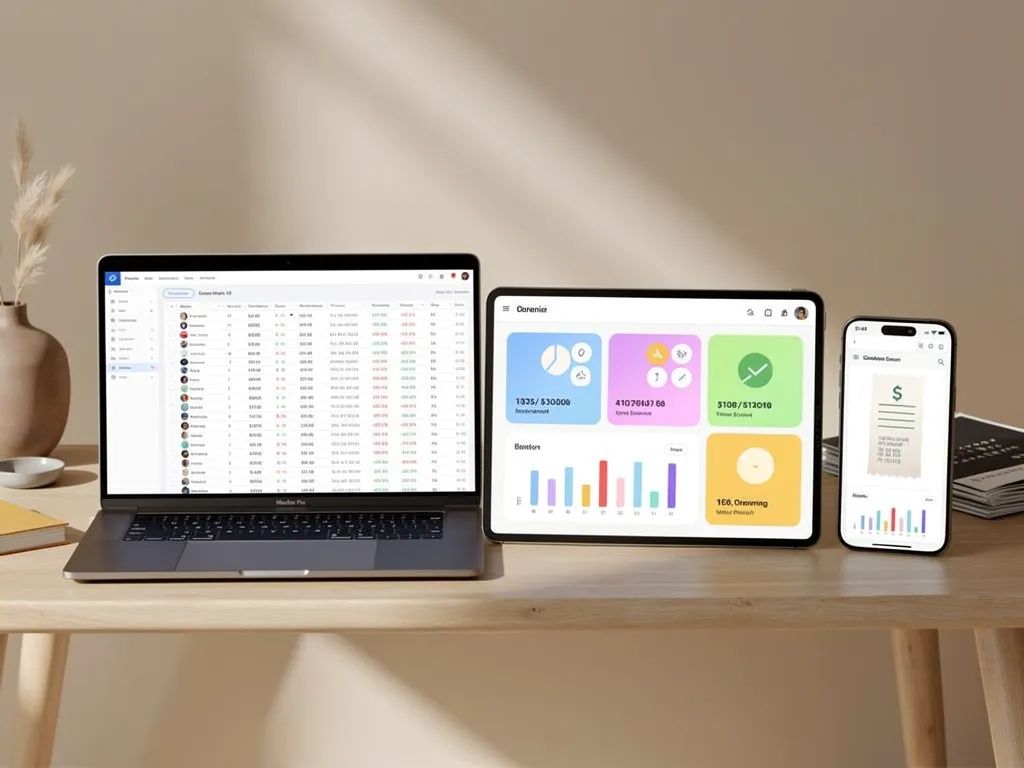
- Excel requires manual data entry for every transaction, creating errors that compound at tax time.
- Accounting software automates categorization and bank feeds, reducing manual work by over a decade's worth of friction.
- Most accounting tools assume you know accounting jargon; Pocket Accountant translates it into plain English answers.
- Real accounting software scales with your business growth without requiring you to learn new systems or terminology.
Why Do So Many Small Businesses Start With Excel?
Cost and familiarity explain the pull toward Excel for most new business owners. Nearly everyone has opened a spreadsheet before, and that built-in comfort makes it feel like the safest first step. Microsoft Excel comes across as accessible, inexpensive, and flexible, which is exactly what an entrepreneur juggling a dozen priorities wants in those early months.
That flexibility, though, comes with strings attached. Excel lets owners build a system that fits their exact needs. Every formula, every column, and every entry has to be typed in by hand. There's no automatic sync with a bank account, no built-in check for bookkeeping errors. Just a blank grid waiting to be filled correctly, every single time.
Is Excel Good Enough for a New Business?
For a very small operation with simple, low-volume transactions, Excel often does the job just fine. Think a solo freelancer sending a handful of invoices a month or a contractor tracking a short list of bills and expenses.
The trouble starts as transaction volume grows. More clients mean more invoices, more bills to pay, and more receipts to log. And manual entry raises the odds of a costly mistake slipping through unnoticed.
Excel's Trade-Offs at a Glance
| Factor | Excel |
|---|---|
| Cost | Low upfront cost |
| Flexibility | Highly customizable |
| Manual entry | Heavy, ongoing |
| Error risk | Higher |
| Best fit | Very small, simple operations |
Time spent double-checking formulas is time not spent serving customers — a trade-off worth weighing early.
Where Does Excel Fall Short As You Grow?
Spreadsheets buckle under pressure the moment a business's finances get complicated. Spreadsheets can handle simple tasks, but they become error-prone and difficult to audit as transaction volume increases. A single broken formula or a misplaced row can throw off an entire report, and finding the mistake often means combing through hundreds of cells by hand. That's a rough way to spend an afternoon that should go toward running the business.
Accountants who work with small business owners see this pattern constantly. According to 8 Reasons To Use Accounting Software vs. Spreadsheets, manually tracking expenses in Excel instead of using dedicated software ranks among the most common habits holding entrepreneurs back. Some professionals put it bluntly: relying on Excel for business accounting is the wrong move once complexity sets in.
Why Do Small Businesses Outgrow Spreadsheets So Fast?
Growth adds moving parts fast — more invoices, more bills, more vendors, more keeping receipts organized for tax season. Excel wasn't built to connect these pieces. Owners end up stitching together separate files and hoping nothing falls through the cracks.
Is The Problem Excel Itself, Or How Accounting Tools Are Built?
Both. Most accounting tools on the market are designed for trained accountants first and handed down to everyone else afterward, leaving small business owners stuck between clunky spreadsheets and software packed with jargon — neither built for actual bookkeeping simplicity or real Time Management. Pocket Accountant closes that gap by putting everyday owners first.
Signs It's Time to Move from Excel to Accounting Software
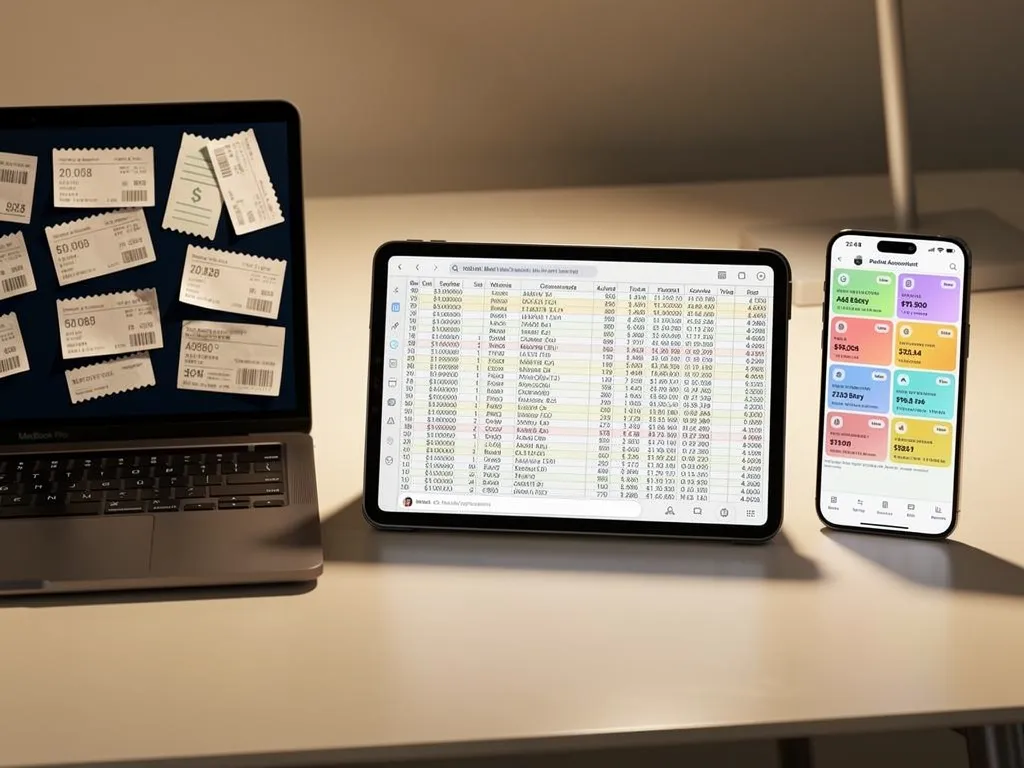
- Rising invoice volume: more clients mean more invoices to create and track by hand, multiplying the chance of a missed or duplicate entry.
- Growing bill load: more vendors and more bills to pay push manual tracking past what a single spreadsheet tab can reliably handle.
- No bank sync: Excel has no automatic connection to a bank account, so every transaction has to be typed in one line at a time.
- Frequent formula errors: a single broken formula or misplaced row can throw off an entire report, and finding the mistake means combing through hundreds of cells by hand.
- Hours lost to reconciliation: time spent double-checking spreadsheet math is time not spent serving customers or chasing new work.
- Scattered receipt records: keeping receipts organized across folders or files becomes harder to manage as tax season approaches.
- Stale financial picture: spreadsheet numbers reflect the last manual update, not real-time insight into where the business actually stands.
What Can Dedicated Accounting Software Actually Fix?
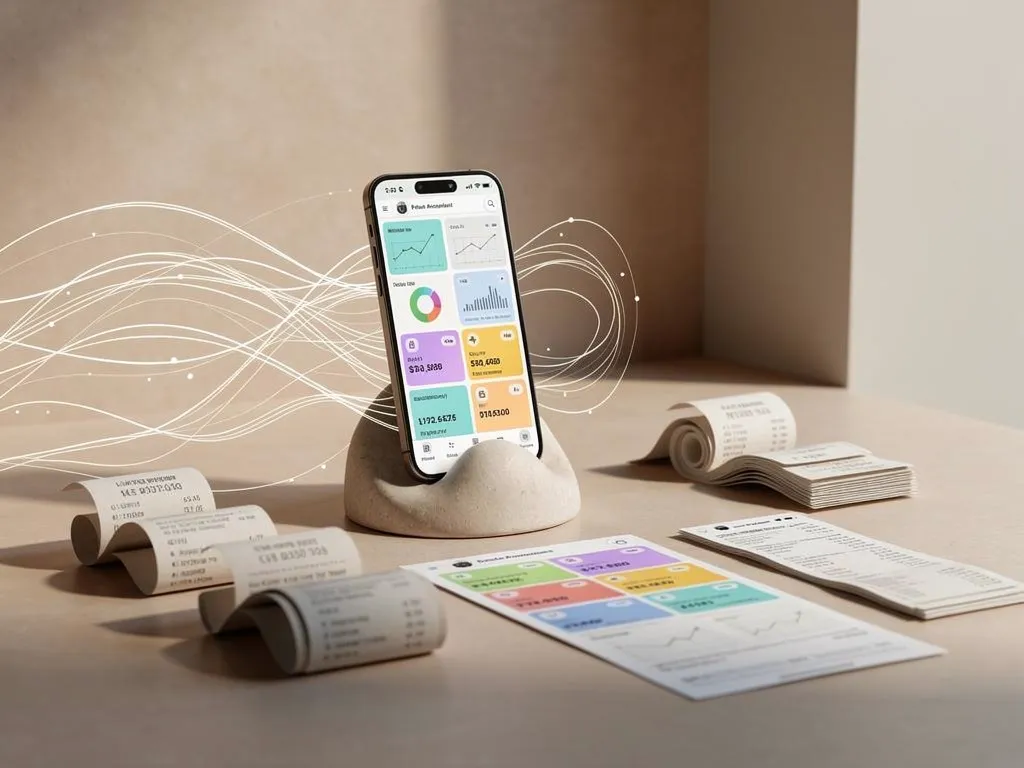
Dedicated accounting software fixes the gaps spreadsheets leave open: missed entries, stale numbers, and hours lost to manual math. Real fixes come from automation and connection. Dedicated platforms automate repetitive tasks and link with the other tools a business already relies on. Owners see real-time insight instead of numbers that were accurate three weeks ago.
Consider what changes day to day. Modern platforms streamline daily bookkeeping, automate calculations, and produce financial reports in a few clicks rather than a few hours. That shift matters most for Time Management. Every minute saved on data entry is a minute back for serving customers or chasing new work.
Pocket Accountant takes that same fix and builds it into a single workspace. Comprehensive income and expense tracking replaces scattered spreadsheet tabs with one running record, so nothing slips through unnoticed. Professional invoices, organized bills, and a habit of keeping receipts all live in that same record instead of six different files.
What features does accounting software add beyond basic tracking?
Budgeting, tax preparation, and reconciliation top the list. Pocket Accountant helps business owners set budgets, prepare tax estimates, reconcile accounts, and pull clear reports whenever they're needed — not just at year-end.
Common spreadsheet gaps and their fixes:
| Spreadsheet Problem | Software Fix |
|---|---|
| Manual re-entry of every transaction | Automated tracking and categorization |
| Reports built by hand | Reports generated in a few clicks |
| No live financial picture | Real-time insight across accounts |
| Scattered invoice and bill files | Centralized, organized records |
For owners tired of reconstructing their financial picture from memory, that centralization alone closes the biggest gap.
How Does Pocket Accountant Compare Head-To-Head?
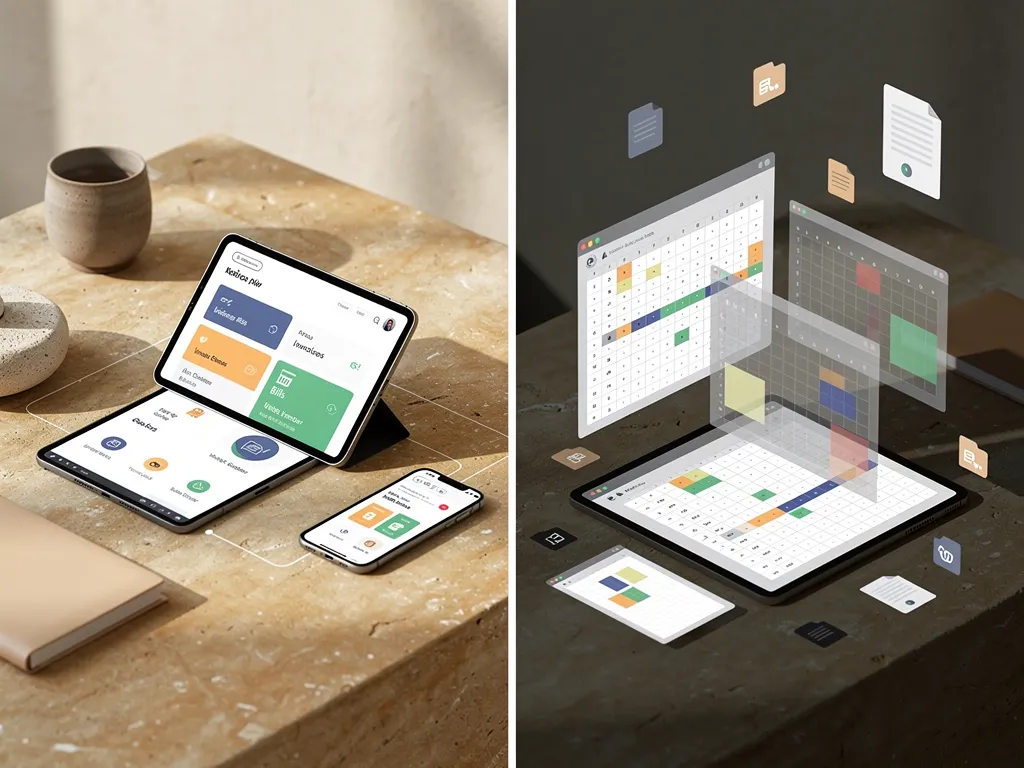
Pocket Accountant handles invoices, bills, and vendor recordkeeping inside one connected workspace. Spreadsheet-based systems scatter that same data across separate tabs and files. Small business owners lose stretches of the workday reconciling formulas and hunting for missing files when a spreadsheet serves as the main ledger. That gap becomes clearer side by side.
| Criteria | Pocket Accountant | Spreadsheet-Based Bookkeeping |
|---|---|---|
| Invoices & bills | Creates professional invoices, tracks bills, and stores customer/vendor records together | Requires separate templates and manual updates for each document |
| Keeping receipts | Receipt scanning logs expenses the moment they happen, automatically | Receipts pile up physically or in folders, entered by hand later |
| Bank transactions | Bank-fed transactions arrive ready for review and coding | Every transaction gets typed in manually, one line at a time |
| Financial guidance | Pocket Assistant answers direct questions, like current-month profitability | Owners interpret raw numbers alone, with no built-in explanation |
| Tax prep | Packages expenses and reports in CPA-ready format | Reports get rebuilt from scratch, often under deadline pressure |
Does Pocket Accountant Save More Time Than a Spreadsheet?
Yes, largely because automated bank feeds and receipt scanning remove the manual entry that eats up. Much of a spreadsheet's promised time management benefit. Owners spend that recovered time running the business instead of typing numbers into cells.
Which Option Handles Tax Season Better?
Pocket Accountant packages expenses and financial reports into the format a CPA typically requests, turning the annual hand-off into a straightforward step. Spreadsheet-based bookkeeping leaves that packaging work for the owner, usually rebuilt from scratch right before the deadline.
Which Option Fits Your Small Business Best?
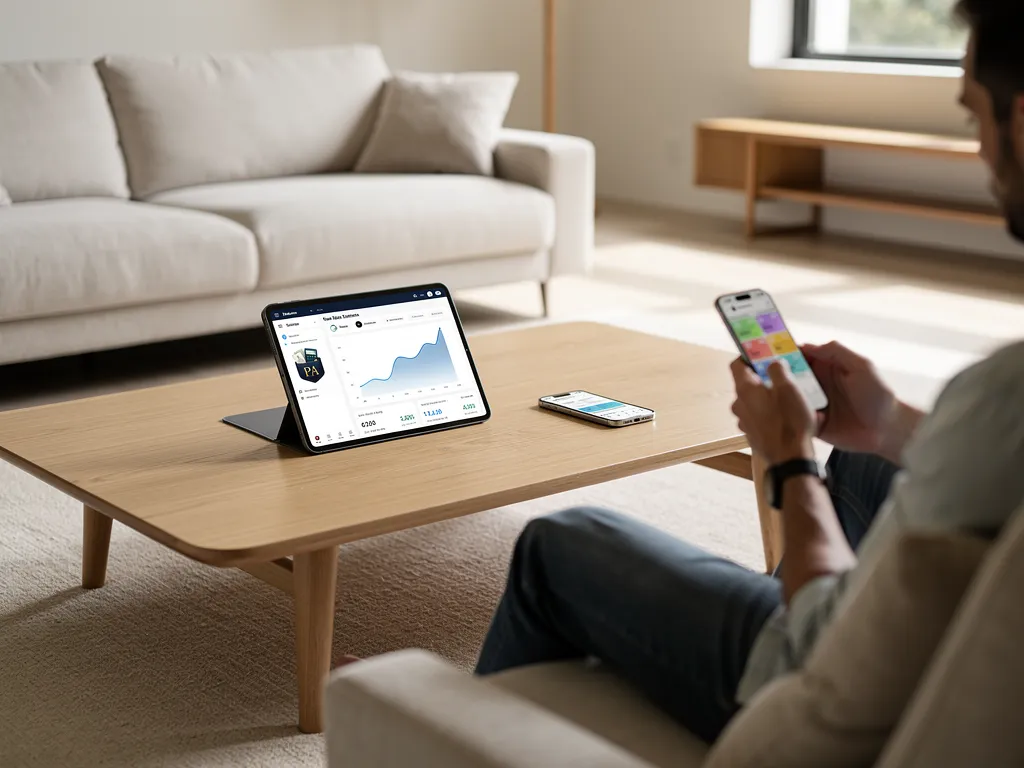
Freelancers, solopreneurs, and small business owners fit best with Pocket Accountant when they want accounting that works from a phone and doesn't demand a finance degree to use. Most accounting software gets built for accountants first, then handed down to everyone else — leaving small business owners stuck with tools that assume they already understand a chart of accounts or why a balance sheet matters.
Pocket Accountant flips that order. Designed to feel like carrying a personal accountant in a pocket, the platform meets owners where they actually work, between job sites, client calls, and quick breaks. Because everything stays accessible from a phone, checking where the business stands doesn't require sitting down at a desk first.
Is Pocket Accountant Right for Freelancers and Solopreneurs?
Freelancers juggling several clients benefit most from tools built around real routines, not scaled-down enterprise software. Tax estimates reflect what the business genuinely earned this year, rather than a one-size-fits-all guess applied evenly to every owner. That distinction matters for solopreneurs whose income swings month to month.
Does It Work for Small or Medium-Sized Businesses Too?
Yes. Whether running a growing small business, a medium-sized operation, or managing personal finances, Pocket Accountant offers the versatility and reliability owners need to stay on top of their money.
| Owner Type | What Matters Most | Pocket Accountant Fit |
|---|---|---|
| Freelancer/Solopreneur | Time Management, phone-based access | Checks balances between jobs, no desk required |
| Small business | Invoices, Bills, bookkeeping | One workspace instead of scattered tools |
| Medium-sized business | Accurate tax estimates, scalability | Estimates grow with the business, not a one-size-fits-all guess |
Owners tight on time management gain the most here. Keeping receipts organized and staying current on bookkeeping no longer means blocking off an evening. It happens in the gaps between the workday.
FAQ
When should a small business move on from Excel?
Excel works for very small operations with simple, low-volume transactions. Growth adds invoices, bills, and receipts that raise the odds of costly manual errors slipping through unnoticed.
How is Pocket Accountant different from typical accounting software?
Most accounting tools assume you already know accounting jargon. Pocket Accountant translates that language into plain English and answers direct questions like "Am I profitable this month?"
What does Pocket Accountant actually handle for a small business?
It combines income and expense tracking, invoicing, bill management, budgeting, and receipt uploads in one workspace, plus bank feeds and AI categorization that eliminate manual data entry.
Conclusion
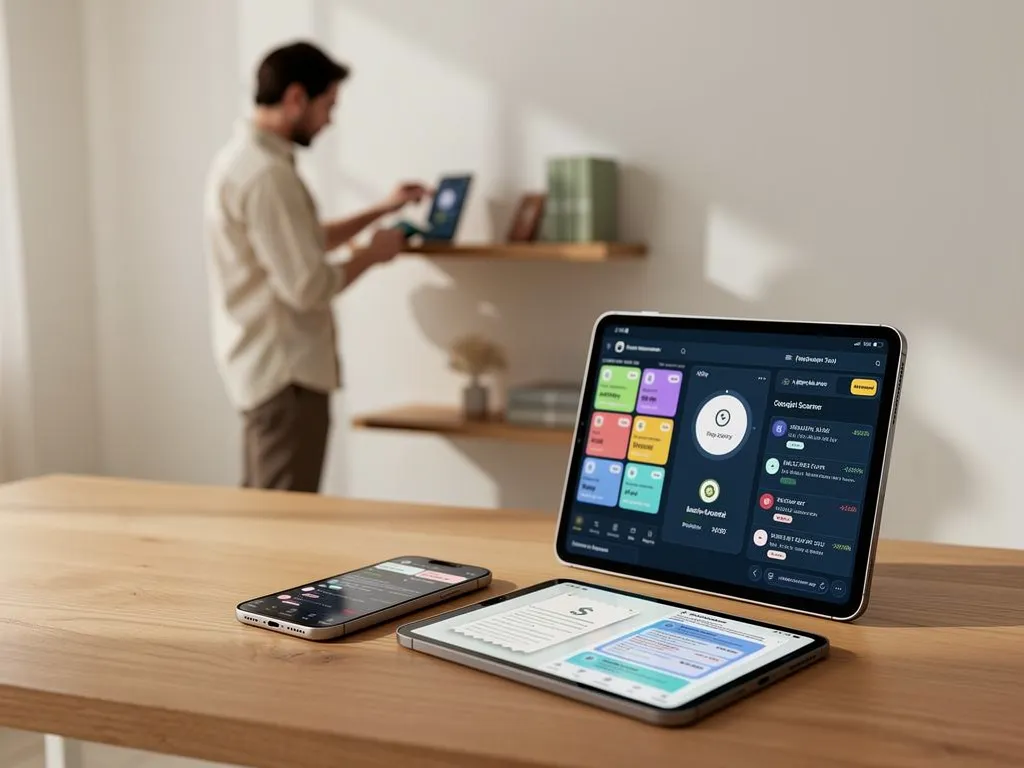
In closing, the choice comes down to this: you can spend your time wrestling with spreadsheets or learning accounting software built for accountants, or you can use a tool that actually speaks your language. Pocket Accountant handles the busywork—categorizing transactions, scanning receipts, answering your financial questions—so you can focus on what you do best. Your books stay organized, your accountant gets what they need, and you finally understand where your money stands.