Invoices: Accounting and Bookkeeping Software
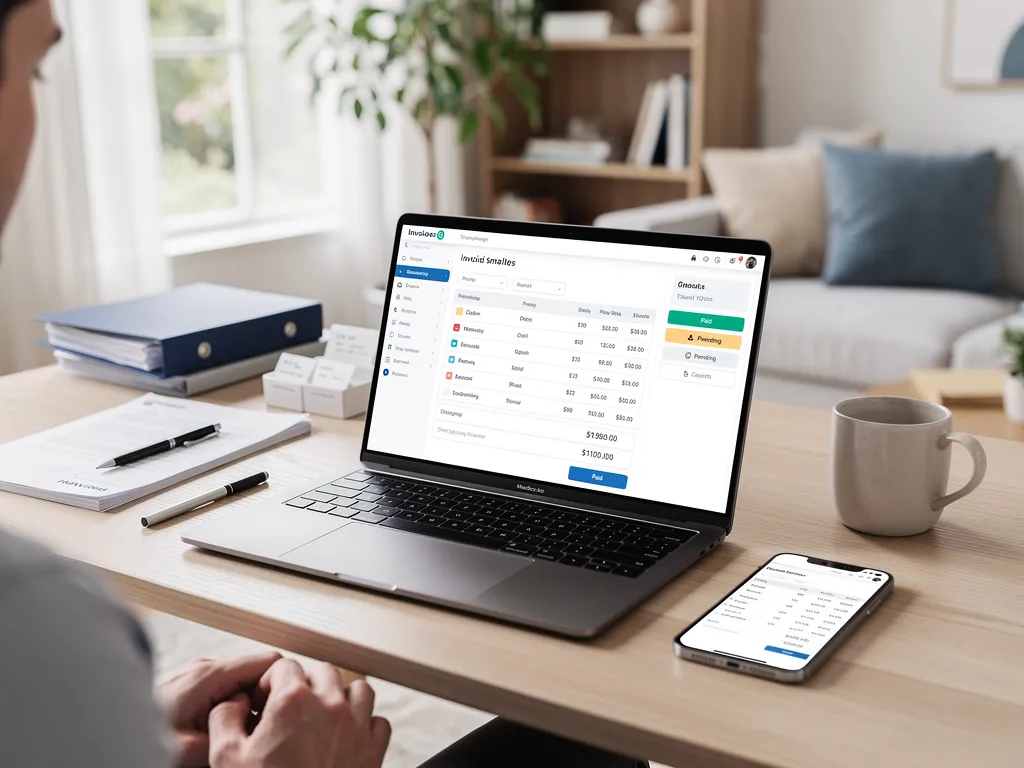
Freelancers and small business owners rely on Pocket Accountant for small business invoicing, entering client details, itemized charges, and due dates, then sending the invoice directly for payment. The platform maintains complete customer records alongside invoicing tools. Past transactions, payment history, and outstanding balances stay organized in one workspace for consistent cash flow tracking.
Key Takeaways
- Create professional invoices in minutes using industry-specific templates built for your business type.
- Send invoices directly to clients and track payment status without leaving Pocket Accountant.
- Automatically categorize invoice payments into your general ledger for accurate, up-to-date financial records.
- Access invoicing tools from your phone or desktop, so you bill clients whenever it's convenient.
What Belongs on a Professional Invoice?
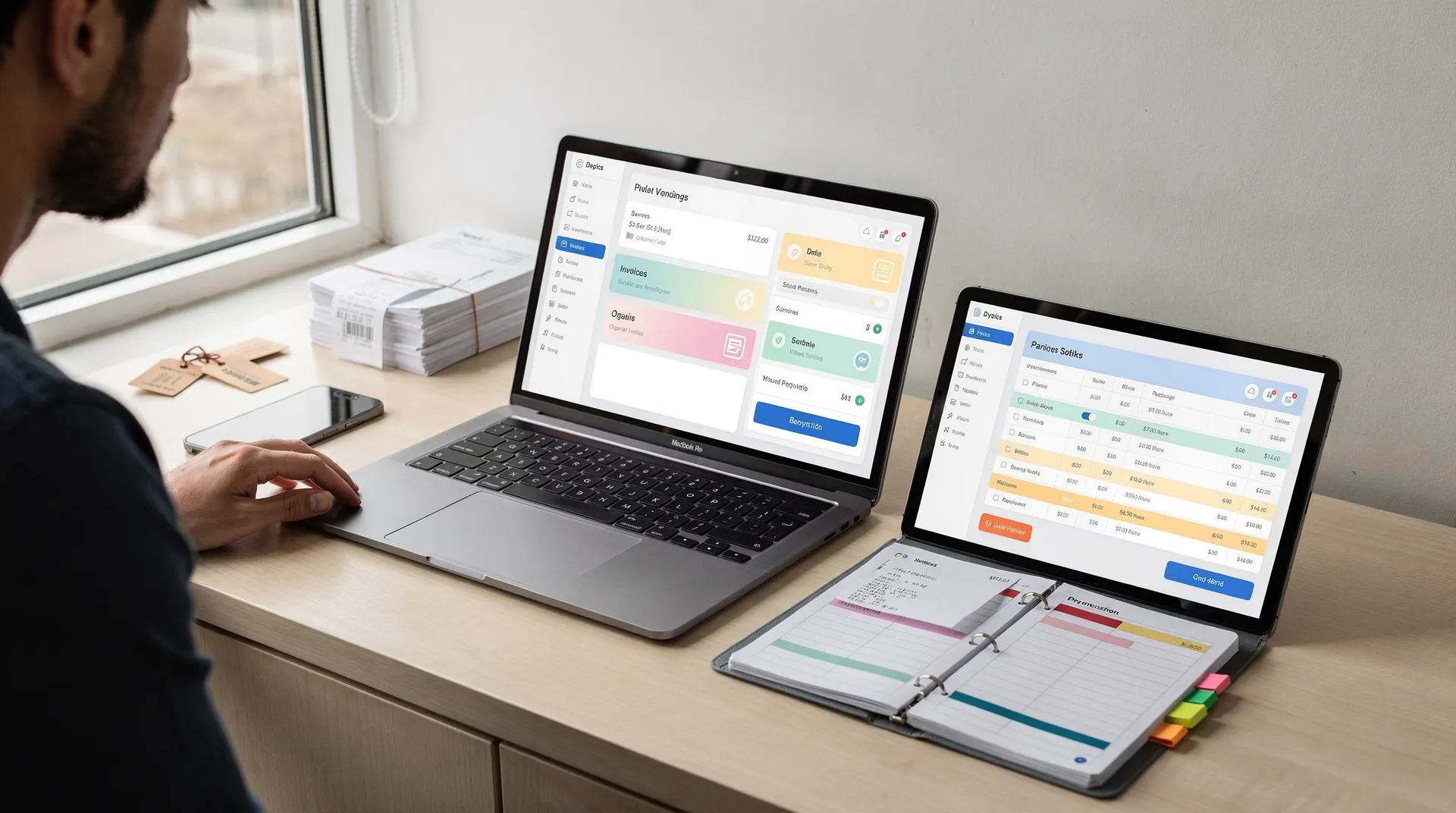
A professional invoice template pairs billing details with organized client records, turning a simple document into real bookkeeping data. Clear formatting matters too, but the substance behind the numbers matters more. Following these invoice best practices from the start helps small business owners avoid chasing missing information later, right when they need to get paid.
Good invoices reflect the type of work being billed. A contractor's invoice, with line items for materials and labor, reads differently than a designer's invoice built around project phases or deliverables. Matching the format to the work makes the bill easier for clients to understand and approve quickly.
A professional invoice typically includes:
- Business name and contact information
- Client name and billing details
- Invoice number and date issued
- Description of goods or services provided
- Payment terms and due date
- Total amount owed
When should an invoice go out?
The strongest habit is sending the invoice immediately after finishing the work or delivering the product. Waiting weeks creates confusion for the client and delays cash flow for the business owner. Prompt invoicing keeps records accurate and makes it far easier to track payment status over time.
Does saving client details help future invoices?
Yes. Tools that store customer records alongside invoicing functions save freelancers from re-entering the same contact information on every bill. This also supports cleaner AR aiging reports. Consistent client data makes overdue balances easier to spot and follow up on.
How Do You Create and Send Invoices?
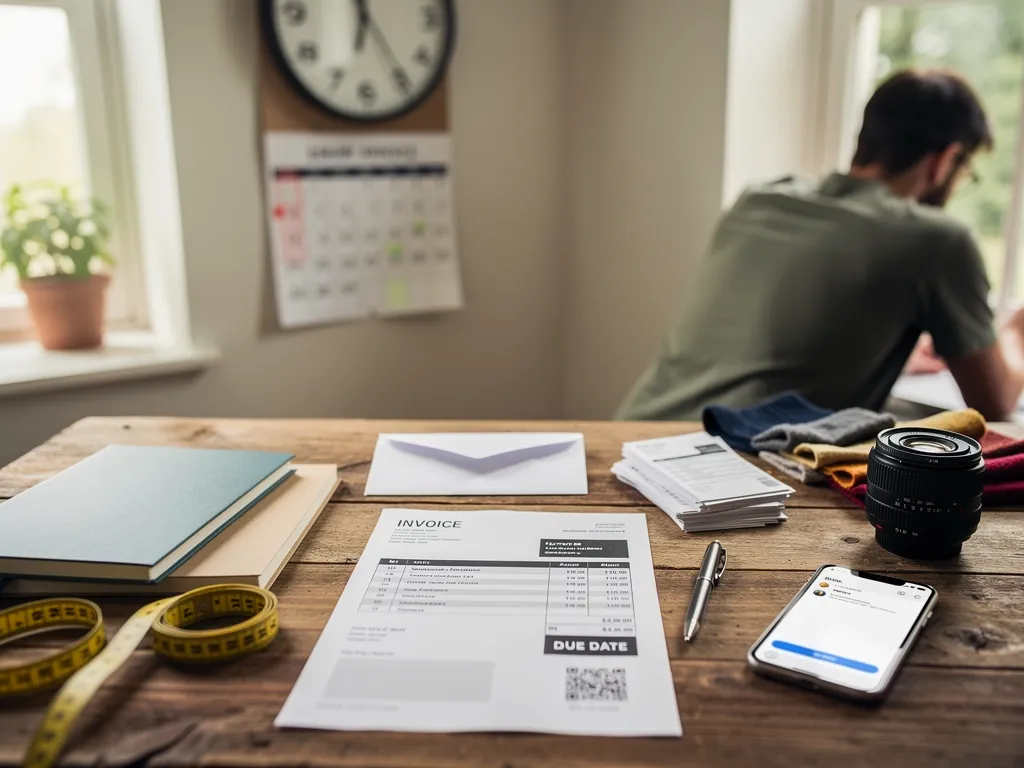
Knowing how to create an invoice means listing the work performed, the amount owed, and a due date, then delivering that document to the client for payment. Sending invoices online rather than by mail speeds that delivery considerably. Sending it late costs freelancers and small business owners real money. Payment clocks typically don't start until the invoice lands in the client's inbox. The fastest path to getting paid faster starts the moment a project wraps.
Timing matters more than most solopreneurs realize. According to How to Send an Invoice: An Easy Step-by-Step Guide, sending invoices as soon as products or services are delivered is the single habit most likely to speed up payment. Waiting days or weeks just delays the cash that's already been earned.
Should invoicing live inside a bookkeeping app or stand alone?
Invoicing works better sitting next to bill management and vendor records than living in its own isolated app. Freelancers juggling client billing, unpaid bills, and vendor details benefit from keeping everything in one workspace. That setup makes it easier to track payment status against what's actually owed.
How do imported bank transactions help with invoicing?
When bank transactions import automatically and arrive ready for review, books stay current without manual entry. Invoice totals and payment history line up naturally, which keeps AR aging accurate. Clear financial reports built from that activity then show where a business actually stands, not just what got billed.
How Do You Track Payment and AR Aging?
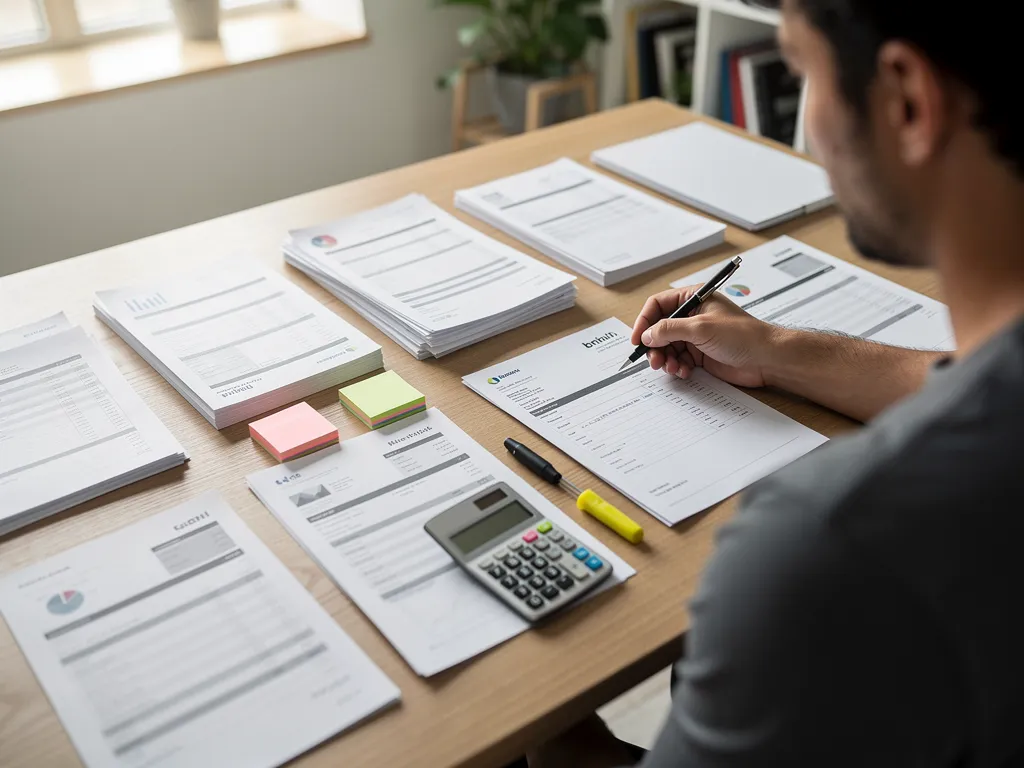
Tracking payment starts with a clear paper trail: every invoice sent, every dollar received, matched side by side. An invoice is a request for payment covering goods or services already delivered. The tracking work is about confirming when that request gets settled. Freelancers and small business owners who stay organized here avoid the awkward guessing game of "did that client actually pay me?"
Reconciling bank activity against tax estimates and financial reports plays a big role in this process. That cross-check confirms which invoices have genuinely cleared versus which ones just look paid on paper. Skipping this step is how solopreneurs end up chasing income that never landed in the account.
What is AR aging, exactly?
AR aging — short for accounts receivable aging — is a report that sorts unpaid invoices by how long they've been outstanding. An AR aging report shows, at a glance, which clients owe money and how overdue each invoice sits. For gig workers juggling multiple clients, this report replaces scattered mental notes with one clean view.
How can slow-paying clients be managed without constant follow-up?
Automatic reminders built into invoicing tools handle the nagging work. They nudge clients who fall behind, so payment gets tracked without manually chasing every late bill.
FAQ
What should a professional invoice include?
A complete invoice includes your business name and contact information, client billing details, an invoice number and date, a description of the work, payment terms, a due date, and the total amount owed.
When is the best time to send an invoice?
Send the invoice immediately after finishing the work or delivering the product. Payment clocks typically start once the invoice reaches the client, so waiting delays cash flow and creates confusion.
Can I track payments and client history in one place?
Yes. Pocket Accountant keeps customer records, payment history, and outstanding balances together with invoicing tools. Cash flow tracking and follow-up on overdue balances stay organized in one workspace.
Conclusion
In closing, creating and sending invoices shouldn't feel like a chore that pulls you away from the work you're actually good at. With Pocket Accountant, you've got a straightforward way to get professional invoices out the door—and keep your income tracking organized at the same time. That's the whole point: accounting that works the way you do. You can focus on running your business instead of wrestling with your books.