Organize Digital Receipts: A Scanning Receipts Guide
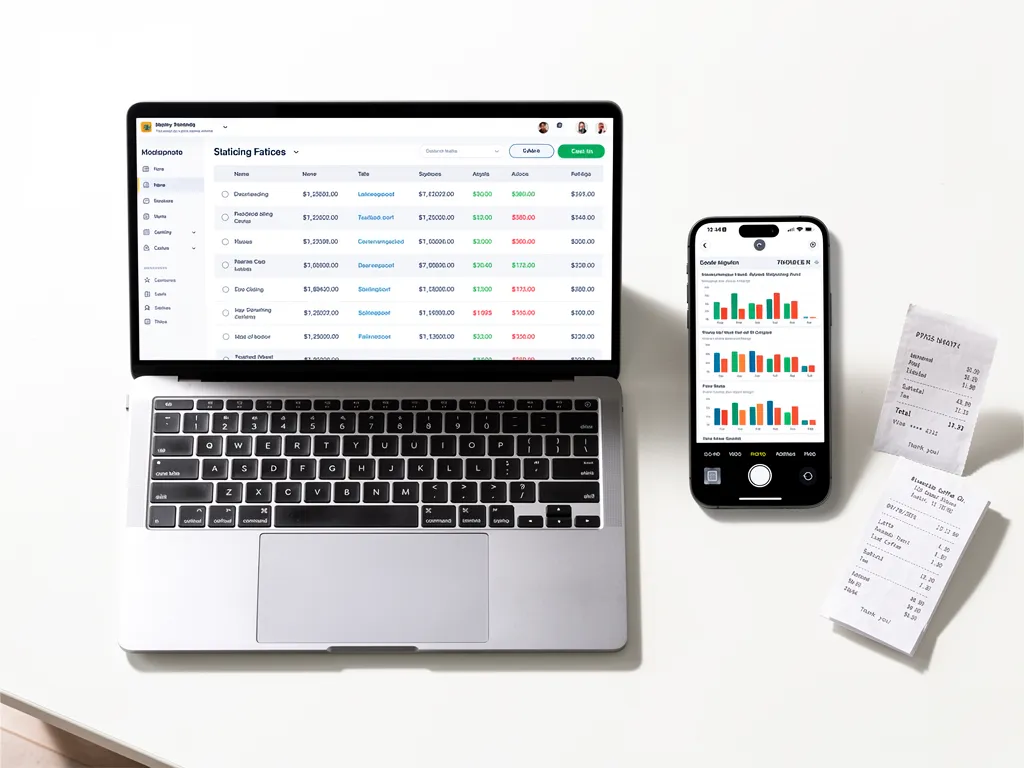
Learning how to organize digital receipts starts with a simple routine: capture each receipt, record its business purpose, store it consistently, and check it against your transactions.
For freelancers and small business owners, that routine is the foundation of reliable digital record keeping for small business. You can find documents when you need them, investigate unfamiliar charges, and prepare financial records without searching through months of emails and paper slips, which matters most when organizing receipts for tax season rather than scrambling in April.
Digital receipt organization means keeping a readable, accessible record of what your business purchased and why. A useful system connects the supporting document with enough information to understand the expense later, and it reflects the best way to store electronic receipts: consistently, with enough detail to stand on its own months from now.
Here is how to build one that fits your business.
Capture receipts while the purchase is still fresh
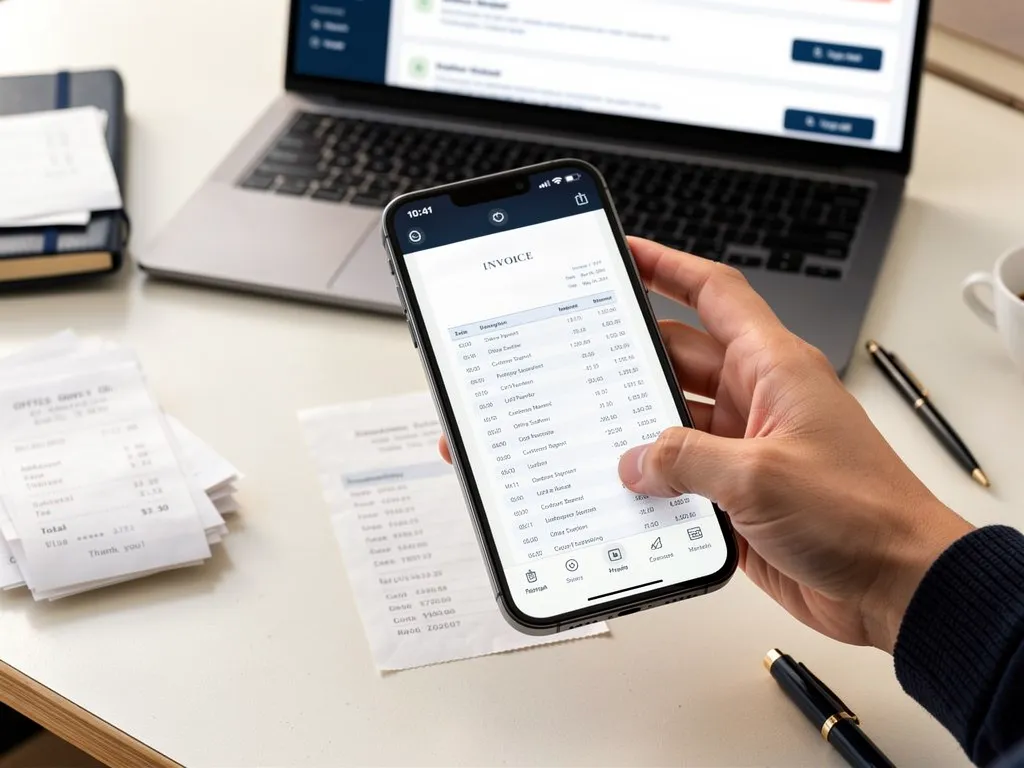
Photograph or scan paper receipts shortly after a purchase. Check that the image includes the supplier’s name, purchase date, items or services, and total amount. Retake blurry images before putting the paper aside.For online purchases, save the receipt or paid invoice from the seller. An order confirmation may lack payment details, so keep the final receipt when it becomes available.Before saving anything, ask yourself: could someone understand this purchase without asking me to remember it six months from now?
Keep receipts in one consistent location
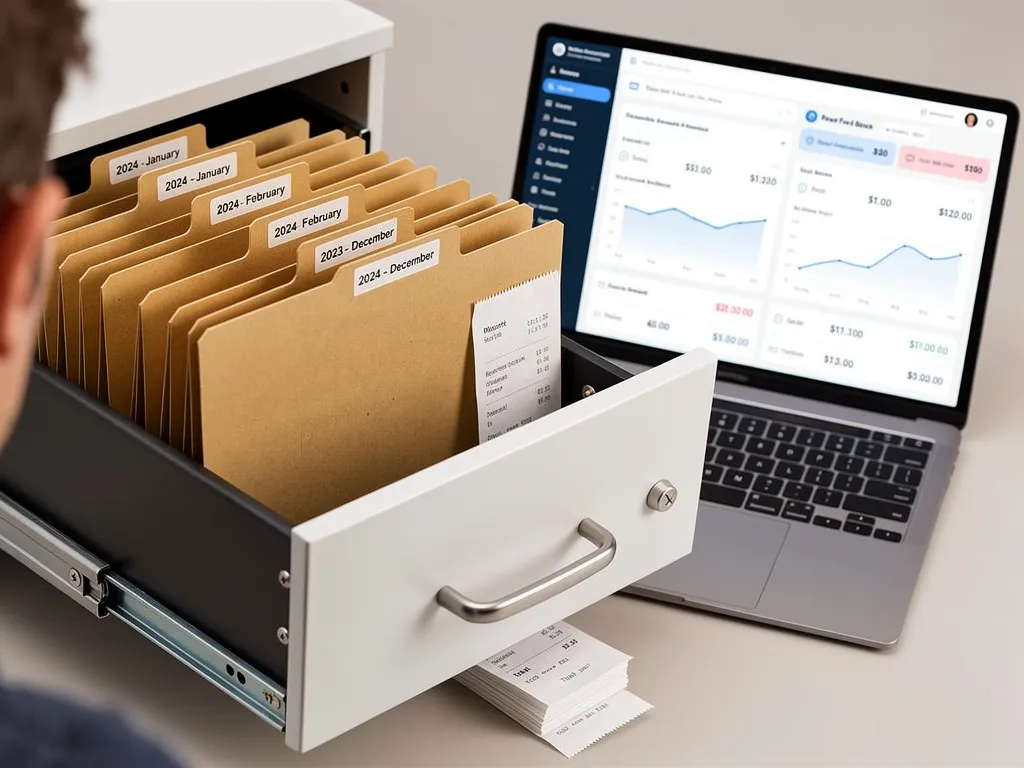
Choose a central place for your business receipts, such as an accounting platform or an organized document folder. Use the same process for purchases made with cash, cards, and online payment services.If you use folders, organize them by year and month. A consistent filename such as 2026-09-30_Supplier_48-50.pdf can make documents easier to locate.For email receipts, create a dedicated label or folder and review it regularly. Save the actual document when possible, rather than relying entirely on a link that may expire or require access to an old account.The goal is to make finding a receipt a predictable task.
Record what the expense was for
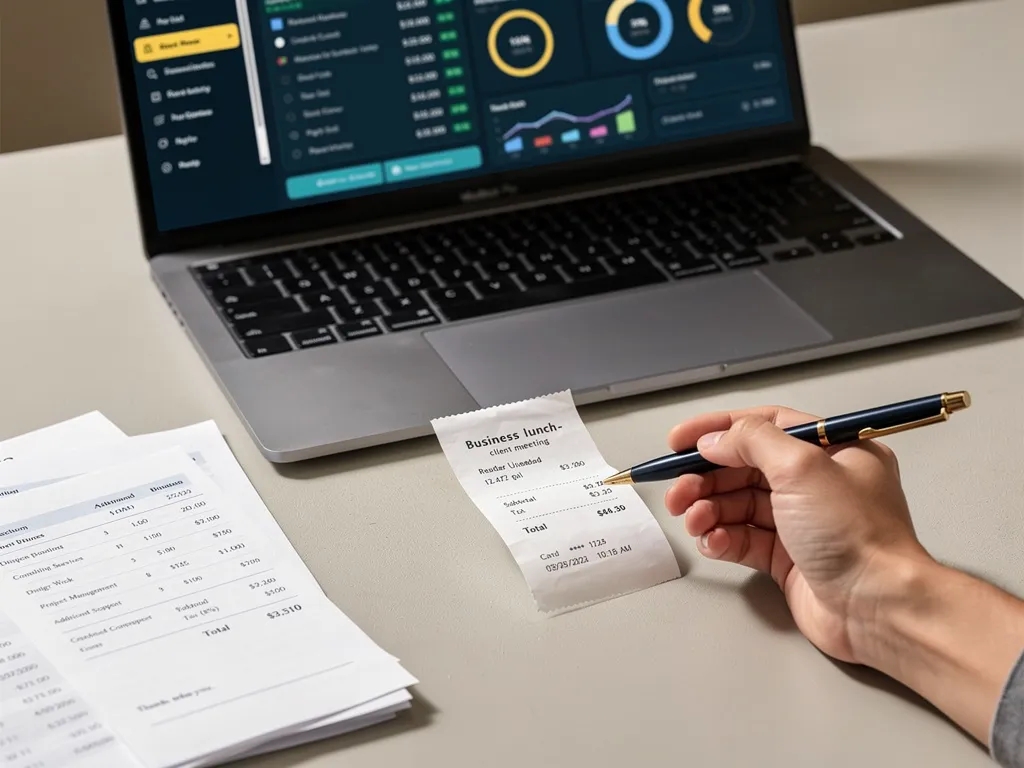
A receipt may show what you bought without explaining how it relates to your business. Add a brief note when the purpose is not obvious.For example, “Printer paper for client proposal packets” is more useful than “Office purchase.” For an expense shared between business and personal use, document how you determined the business portion.Keep the supplier, date, amount, description, and evidence of payment together. The IRS notes that a combination of documents may be needed to support all the details of a business expense.Clear notes also make it easier to answer questions from your accountant without reconstructing the purchase from memory.
Review categories and scanned information
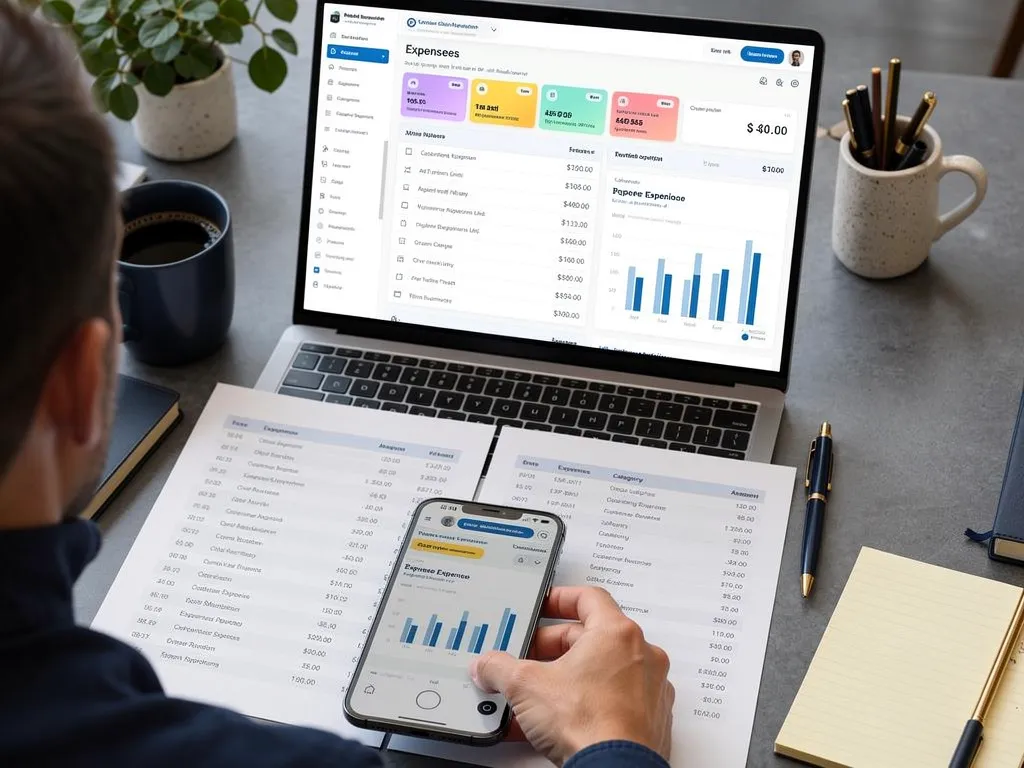
Use categories that match your bookkeeping system, such as office supplies, advertising, software subscriptions, and professional fees.Receipt-scanning tools can reduce typing, while AI-assisted suggestions can help with categorization. Review the results before accepting them. A scanner may misread a total, and a supplier’s name alone may not explain what you purchased.For example, two purchases from the same online retailer could include office supplies and a computer. Those purchases may need different accounting treatment.Check the date, amount, currency, and category. Flag unfamiliar items for review instead of forcing them into a category that does not fit.
Match receipts to transactions and check for duplicates
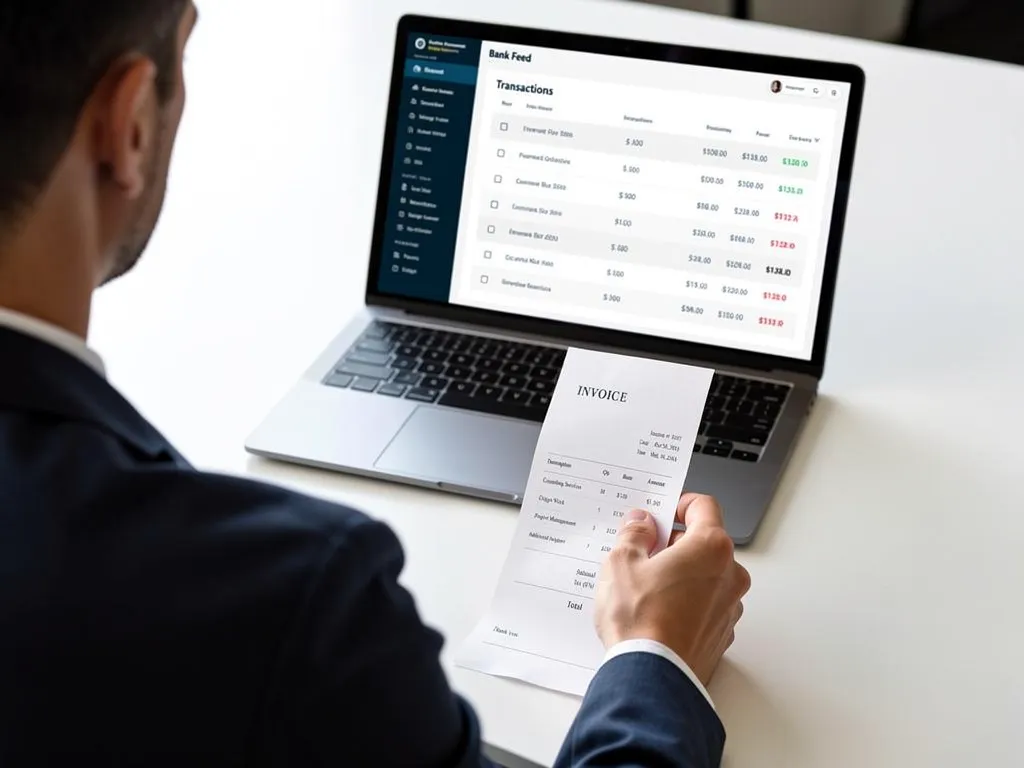
Compare your receipts with recorded bank, credit card, and cash activity. Investigate missing documents, unfamiliar charges, refunds, and differences between the receipt total and the posted amount.Be especially careful when the same purchase enters your system through more than one route. Scanning a receipt and importing the corresponding bank transaction should not produce two expenses.Suppose you photograph a $48.50 office-supply receipt and later import the card purchase. The goal is one expense supported by its receipt, with the payment correctly reflected in your records.Review new activity weekly and reconcile your financial accounts monthly. This helps you resolve questions while the details are still familiar.
Keep records accessible and plan for retention
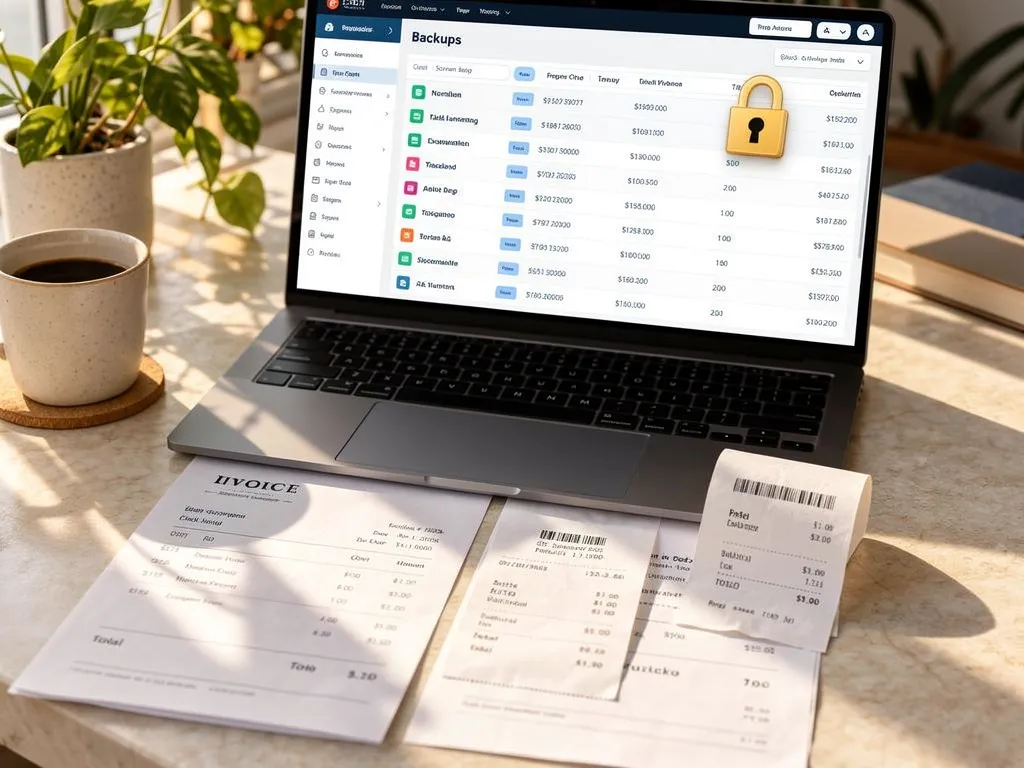
Check that you can open, read, and retrieve your saved documents. A file that exists somewhere but cannot be found or opened is difficult to use when a question arises.Protect access to your records, understand your platform’s backup and export options, and keep appropriate backup copies. If several people submit expenses, agree on who uploads receipts, adds explanations, and reviews the entries.Decide how long to retain records based on the document type and applicable requirements. Tax record keeping for small business depends on IRS retention periods, which vary by document, and property records, employment tax records, or documents needed by insurers and creditors may require longer storage. Avoid deleting receipts just because the calendar year has ended.
A few common questions are worth addressing before you replace your paper-based routine:
- Does the IRS only require receipts for expenses of $75 or more?
No. The $75 threshold is not a universal rule for every business expense. Under IRS Publication 463, receipts or similar documentary evidence are generally required for covered expenses of $75 or more and for lodging regardless of amount, subject to exceptions. Smaller expenses still require adequate records.Entertainment expenses are generally nondeductible, even when you have a receipt. Keeping documentation and qualifying for a deduction are separate requirements.
- Can digital receipts replace paper receipts?
Yes, when the electronic recordkeeping system meets applicable IRS requirements. Records must remain complete, accurate, accessible, and reproducible in a readable format.Before destroying original paper records, confirm that your system has been tested to reproduce them properly and that your procedures meet the relevant requirements. Taking a photo alone does not establish that every recordkeeping obligation has been met.
- Is a bank statement enough to support an expense?
A bank statement can help establish payment, but it may not explain what you purchased or its business purpose. Keep the itemized receipt, invoice, or other supporting documentation when available.
- Do freelancers and larger businesses need different systems?
The basic routine is similar: capture, explain, organize, and review. Growing businesses may also need employee submission rules, spending approvals, and clear responsibility for missing receipts. Choose a process that fits the number of people and transactions involved.
Pocket Accountant brings receipt uploads, supporting documents, income and expense tracking, and financial reports into one workspace. Its tools also include receipt scanning, bank-feed workflows, reconciliation, and Pocket Assistant guidance. Feature availability depends on your plan and connected services.
Use those tools alongside a regular review habit: capture the document, check the details, and confirm how the purchase appears in your books. That gives you records you can use throughout the year and share with your accountant when needed.
Start with your next business receipt. Visit Pocket Accountant to explore receipt organization and everyday bookkeeping tools for your business.
Frequently Asked Questions
What is the fastest way to start organizing digital receipts if I currently rely on paper?
Begin by photographing or scanning each new receipt as soon as you receive it, making sure the supplier's name, purchase date, items or services, and total amount are all readable. Save the file to one consistent location, such as an accounting platform or a clearly labeled folder, rather than letting it sit in a camera roll or inbox. Once new receipts are being captured consistently, you can work backward and digitize older paper records in batches.
How often should I match receipts against bank or card transactions?
Review new account activity weekly and reconcile your financial accounts monthly. Checking frequently makes it easier to resolve an unfamiliar charge, a missing receipt, or a duplicate entry while the purchase is still fresh in memory, rather than trying to reconstruct the details months later.
Besides the amount, what information should a digital receipt record include?
A usable record combines the supplier, purchase date, amount, a description of what was bought, and evidence of payment. When the business purpose isn't obvious from the receipt alone, add a short note explaining it, such as "Printer paper for client proposal packets" instead of a vague label like "Office purchase."
Can I trust receipt-scanning or AI tools to categorize expenses automatically?
These tools can reduce manual typing and speed up categorization, but the results still need a quick review. A scanner may misread a total, and a supplier's name alone may not reveal what was actually purchased, so flag anything unclear instead of forcing it into a category that doesn't fit.
Is a bank or card statement enough to support a business expense if the receipt is lost?
A statement can help confirm that a payment was made, but it typically won't explain what was purchased or why. Whenever possible, keep the itemized receipt or invoice as well, since a combination of documents may be needed to fully support a business expense.