The Best Bookkeeping App for Freelancers
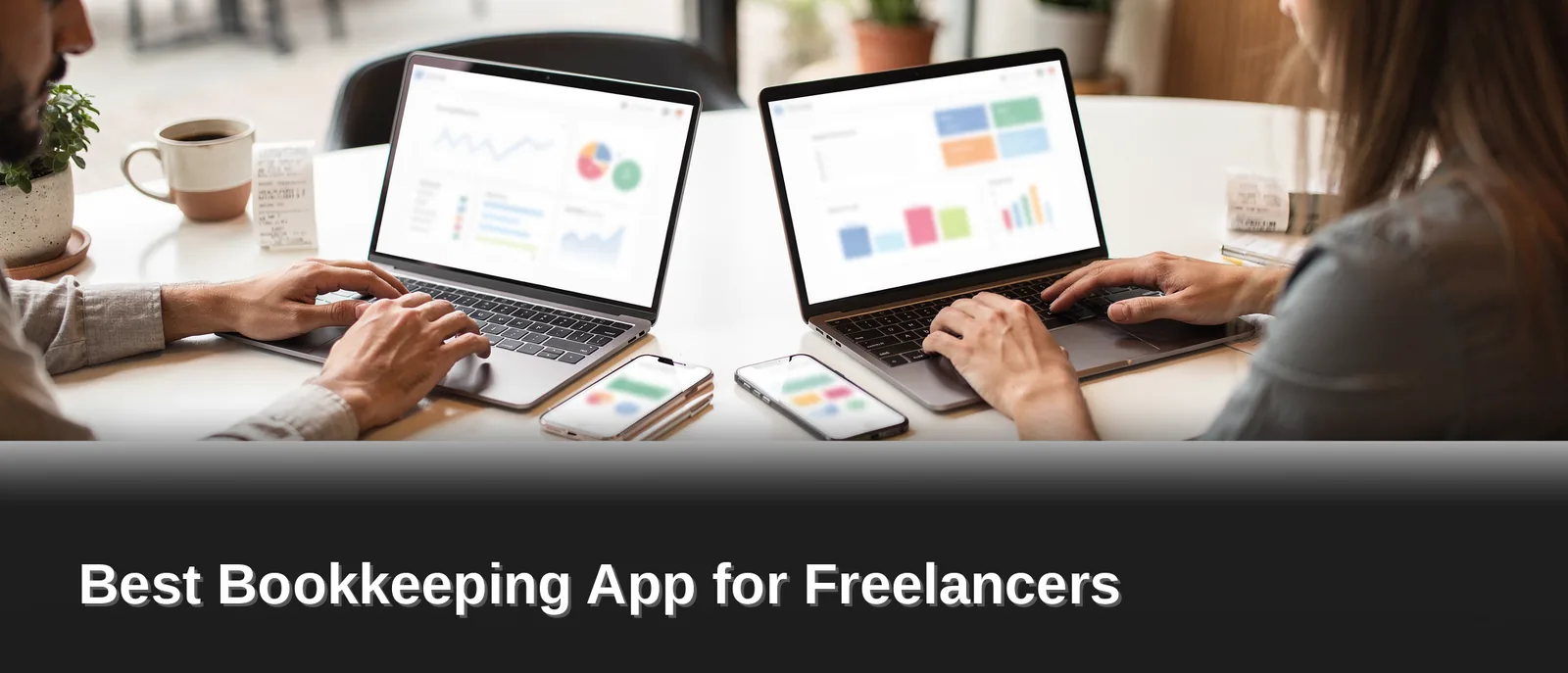
Pocket Accountant delivers the best freelance accounting software built for freelancers, gig workers, and self-employed professionals who need a true self employed bookkeeping app that moves at their speed. It organizes income and deductible expenses in one workspace, pulls connected bank feeds in automatically. Fires AI-assisted categorization to eliminate manual entry — putting freelancers in control to track freelance income and expenses in real time. Receipt scanning locks in purchases the instant they happen, and sharp financial reports keep freelancers tax-season ready, with small business tax preparation for freelancers built right in so every dollar earned stays accounted for, no exceptions.
Key Takeaways
- Pocket Accountant slashes manual data entry — automatic transaction categorization and bank feed imports keep freelancer books moving without the busywork.
- Built by a team with over a decade of finance and accounting experience, engineered specifically for non-accountants who want answers fast.
- AI-powered Pocket Assistant delivers direct answers to real questions like "Am I profitable this month?" instead of dumping raw data and leaving freelancers to figure it out.
- Industry-specific invoice templates and tax estimates built from actual business performance, ready to go from any device, anywhere.
Why Do Freelancers Need a Bookkeeping App?
Freelancers need a dedicated system because standard accounting tools were never built with them in mind. Most accounting software started as a tool for trained accountants, then got handed down to everyone else — and the friction shows. Powerful features pile up fast, built on the assumption that users already understand a chart of accounts, why reconciliation matters, or how to categorize a deductible expense correctly.
That accountant-first design turns raw power into daily headaches fast. Freelancers don't need every bell and whistle built for a corporate finance department — they need clarity, speed, and rock-solid confidence that their books are accurate, no training manual required. When software assumes prior expertise, self-employed professionals burn hours decoding menus instead of driving their business forward.
Freelancing itself piles on its own admin pressure. The work is flexible and often rewarding, but the accounting tasks riding along with it can turn into real headaches — chasing invoices, sorting receipts, guessing at tax obligations. A purpose-built bookkeeping app for freelancers cuts that friction fast by matching the tool to the actual job.
What Makes Freelance Bookkeeping Different from Regular Business Accounting?
Freelancers juggle irregular income, mixed personal and business expenses, and quarterly tax pressure — all without a finance department backing them up. Traditional accounting platforms rarely account for that reality. A system built for solo earners simplifies categorization and reporting instead of burying it under enterprise-level complexity.
Key pain points a bookkeeping app should solve:
- Setup that demands accounting knowledge before freelancers even get started
- Manual expense tracking that eats straight into billable hours
- Tax readiness that stays foggy until filing season hits
- Invoicing and income tracking scattered across too many separate tools
Freelancers deserve software that speaks their language — not their accountant's.
What Should a Freelance Bookkeeping App Do?
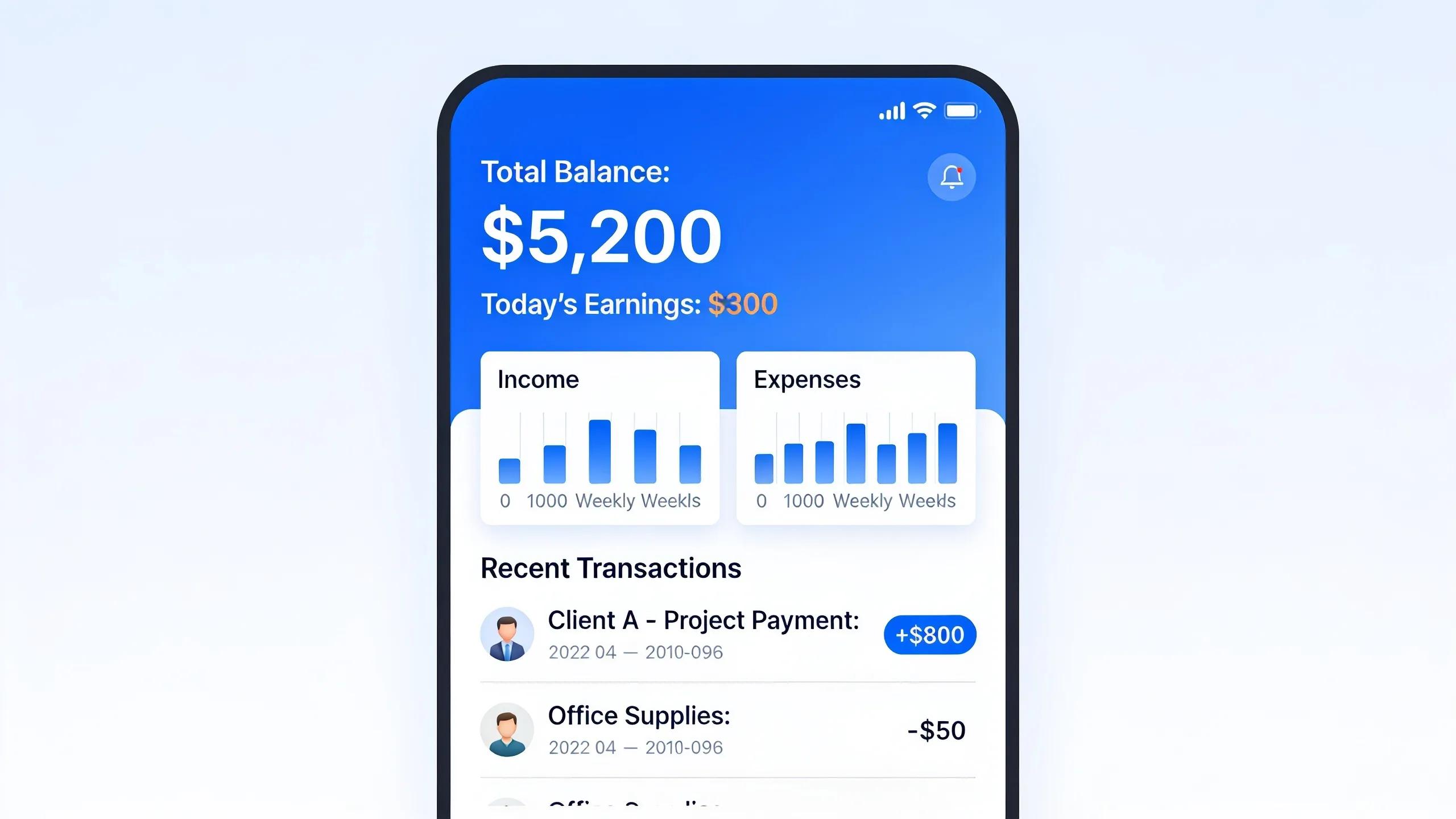
A real bookkeeping app for freelancers tracks every dollar coming in and going out, no finance degree required. Freelancers lose deductions and miscount income the moment tracking scatters across spreadsheets and bank apps. The right platform pulls income and expense tracking into one organized view, so nothing slips through the cracks come tax season.
Tracking alone won't cut it, though — a freelance bookkeeping app has to handle the client-facing side of the business too.
What features matter most for freelance bookkeeping?
Freelancers need tools built around how solo businesses actually operate, not scaled-down versions of enterprise software. Four capabilities separate a genuinely useful app from a glorified spreadsheet:
- Income and expense tracking that stays organized automatically, catching every transaction the moment it happens
- Professional invoicing paired with bill management and complete customer and vendor records
- Budgeting and tax prep tools, including account reconciliation and reports that show exactly where the business stands
- Streamlined feature sets built for solo operators, cutting the complexity larger businesses drag along
Reports and reconciliation deserve special attention here. Freelancers need clear visibility into cash flow, plus tax estimates that keep April from turning into a scramble. Reconciling accounts regularly catches errors before they snowball into bigger headaches.
Why do freelancers need fewer features than big businesses?
Freelance operations run leaner than multi-employee companies, and the software needs to match that reality. Complex payroll modules, multi-entity consolidation, and layered approval chains solve problems freelancers simply don't have.
Loading a bookkeeping app with unnecessary complexity slows everyone down, plain and simple. Freelancers deserve tools sized to their actual workload: fast setup, clear dashboards, and features that map directly to solo business needs. Skip the bloat, keep the power, and bookkeeping stops feeling like a second job.
How Does Pocket Accountant Simplify Freelance Bookkeeping?
Pocket Accountant strips away accountant-only jargon and speaks the language freelancers already use. Freelancers get a bookkeeping app for freelancers engineered to skip the chart-of-accounts confusion that traps so many small business owners in spreadsheets they don't trust.
Most accounting platforms get built for accountants first, then handed down to everyone else. That legacy shows up in menus that assume users already know accrual versus cash basis, why a balance sheet matters, or what counts as a reconciled account. Pocket Accountant flips that order, so freelancers can gauge a good month without decoding accounting theory first.
Bank feeds import automatically, and transactions get categorized without manual entry — guesswork disappears from the process entirely. Instead of staring at a raw transaction list and guessing what belongs where, freelancers see organized, categorized activity ready for review, right now.
What does Pocket Assistant actually do?
Pocket Assistant answers direct money questions instead of dumping raw data on the screen. A freelancer can ask what expenses look deductible, how the current month stacks up, and get a plain answer back immediately. That shifts bookkeeping from a research project into a quick conversation.
Does Pocket Accountant help at tax time?
Reports and expense records package cleanly for handoff to a CPA the moment filing season arrives. Freelancers stop scrambling through months of transactions searching for missing receipts. Organized categories and clean reports mean tax prep starts with structure already in place — not chaos.
Three shifts define the freelance experience:
- Plain-English framing swaps technical accounting terms for everyday language.
- Automated categorization strips manual data entry out of the daily routine.
- Assistant-driven answers turn financial data into direct guidance, not more spreadsheets to decode.
That combination keeps bookkeeping moving forward instead of piling up until deadline pressure forces a scramble.
How Do Bank Feeds and AI Save Time?
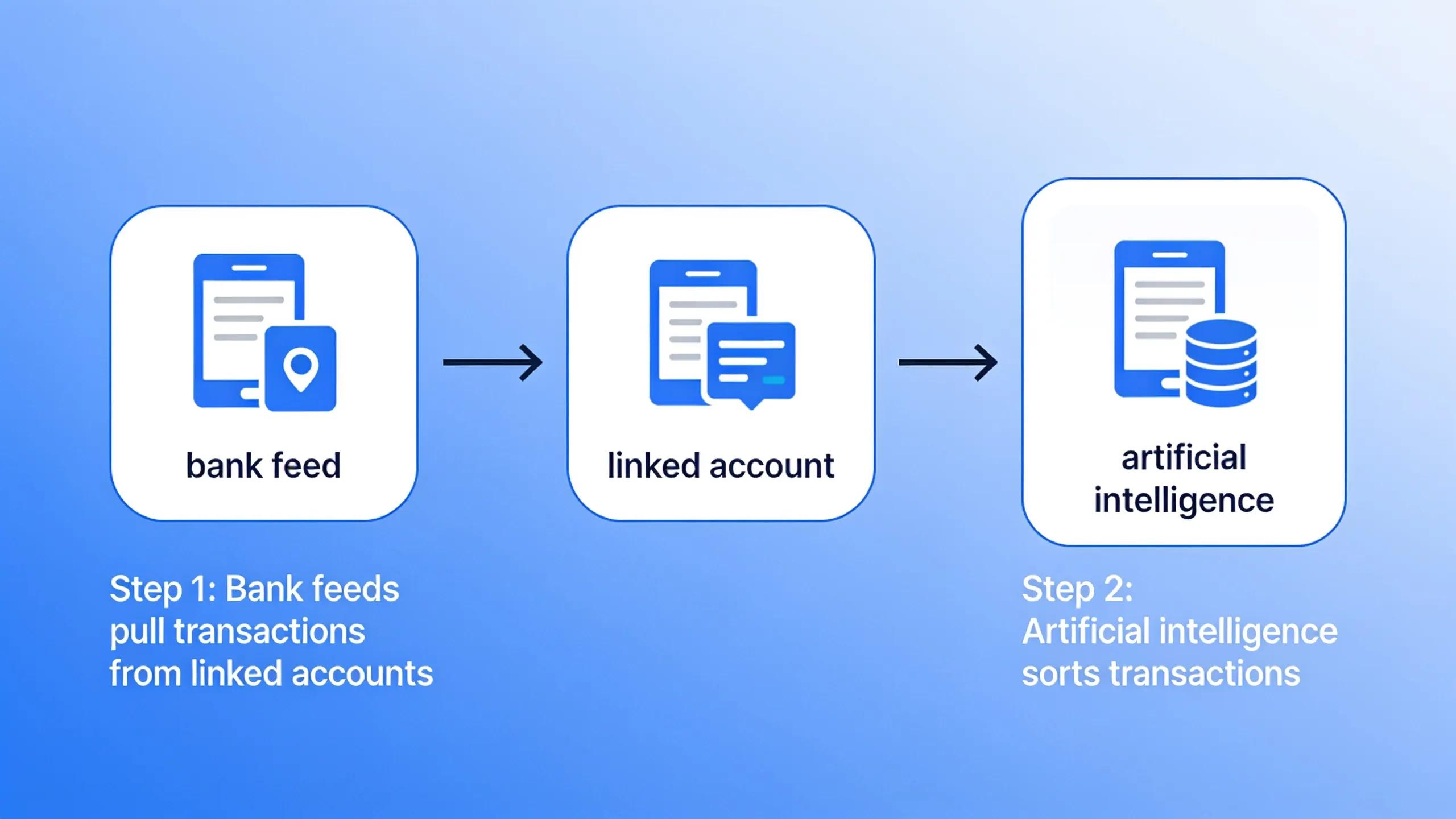
Bank feeds pull transactions straight from linked accounts, and artificial intelligence sorts them before a freelancer ever opens a spreadsheet. Together, these two features strip out the manual entry that eats up evenings and weekends. Skip the connection, and every deposit, transfer, and card swipe has to get typed in by hand — an approach that drains hours no freelancer can spare during a busy season.
Pocket Accountant links bank and financial accounts securely through trusted providers such as Plaid. That connection means account balances and transaction histories flow in without spreadsheets, PDFs, or manual uploads. Once linked, imported transactions land ready for review and coding to the general ledger, cutting out the repetitive data entry that turns bookkeeping into a chore.
Does the software actually categorize expenses automatically?
Built-in AI assistance handles most of that sorting on its own. It categorizes transactions and interprets financial data, turning a messy list of charges into clear, usable insight a freelancer can actually act on.
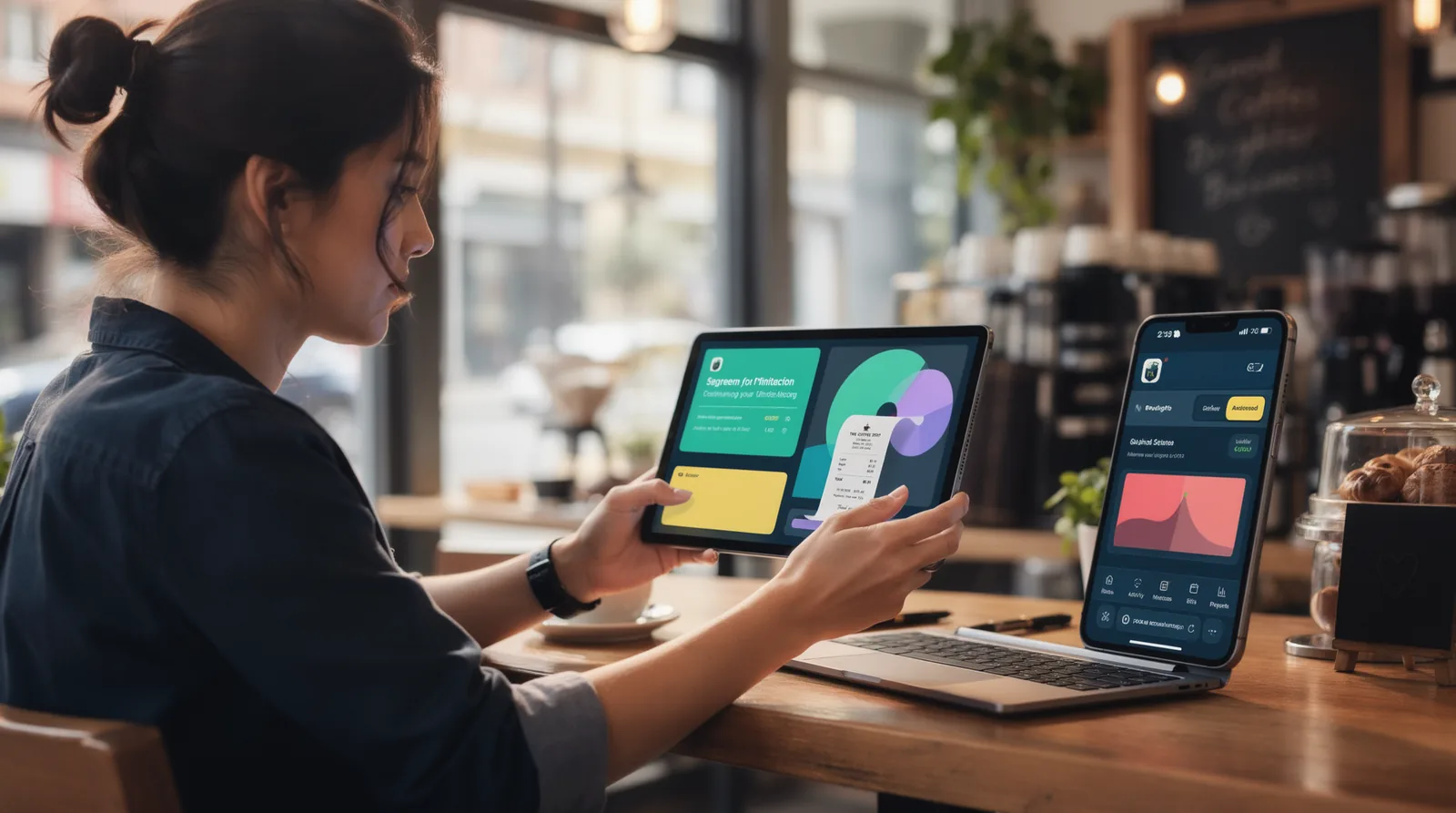
Receipt scanning rounds out the system by capturing expenses the instant they happen. A coffee-shop client meeting or a supply run never slips through unrecorded.
What does a synced bank feed look like day to day?
Picture this: transactions flow in automatically, sitting ready for review and reconciliation instead of piling up unsorted. This bookkeeping app for freelancers keeps records current without demanding constant attention. The result is a bookkeeping rhythm built for freelancers:
- Connect accounts once through a secure provider.
- Let transactions populate the ledger automatically.
- Review AI-suggested categories in minutes, not hours.
- Snap receipts on the spot instead of hunting for paper later.
Momentum builds fast once bank feeds and AI take over the grunt work.
How Do You Prepare for Tax Season Without Stress?
Real tax estimates come from real numbers, not a rough percentage pulled out of thin air. A freelancer's actual income, actual expenses, and actual deductions drive the estimate — nothing generic about it. That distinction separates a stressed-out scramble in April from a calm, confident close to the year.
Most accounting platforms were built for accountants first and handed down to everyone else afterward. That leaves freelancers staring at a chart of accounts they never asked for, guessing what half the fields even mean. A true bookkeeping app for freelancers flips that script fast, translating raw transactions into tax-ready figures without demanding an accounting degree first.
What makes tax prep harder for freelancers than employees?
Freelancers juggle scattered income streams, inconsistent invoices, and expenses that blur between personal and business. No employer withholds taxes automatically, so every dollar of profit needs tracking the moment it happens. Skipping that tracking invites a scramble at filing time and missed deductions that cost real money.
Preparation gets easier with the right structure in place:
- Estimates built from actual business activity, not a flat percentage guess
- Industry-specific invoice templates that make a contractor's invoice look like one
- Full account access from a phone, since most freelancers work away from a desk
- State-of-the-art encryption protecting financial data year-round
Does mobile access actually matter for tax prep?
It matters more than most freelancers expect. Checking numbers between job sites, client meetings, or coffee runs keeps records current instead of piling up for a year-end panic. Strong encryption stays active the entire time, so that convenience never comes at the cost of security.
FAQ
Why is Pocket Accountant a good bookkeeping app for freelancers?
Pocket Accountant organizes income and expenses in one workspace, syncs bank feeds automatically, and fires AI-assisted categorization to cut manual entry — saving freelancers time and slashing errors.
How does Pocket Accountant help freelancers prepare for tax season?
It applies AI categorization to transactions, generates clear financial reports, and packages expenses and reports in the exact format accountants request, turning tax season into a simple hand-off.
Do I need accounting knowledge to use Pocket Accountant?
No. Pocket Accountant speaks plain English instead of accounting jargon, and Pocket Assistant answers direct questions like "Am I profitable this month?" without requiring any prior finance expertise.
Conclusion
Freelancers deserve bookkeeping software that works the way they do — not the other way around. Pocket Accountant strips away the accounting jargon, automates the tedious categorization, and transforms raw transactions into answers freelancers actually understand. Built by finance professionals who get it, this platform turns financial management from a source of dread into genuine clarity. Stop wrestling with spreadsheets and generic tools — start owning the numbers with confidence, starting today.
Conclusion
In closing, freelance bookkeeping doesn't have to mean drowning in spreadsheets or guessing at tax season. Pocket Accountant clears the friction—automated categorization, plain-English answers, invoices and reports built for how you actually work. It's not another tool demanding you learn its language; it speaks yours. Connect your accounts, snap your receipts, and let the busywork disappear. Your books stay organized, your numbers stay clear, and you stay focused on the work only you can do. That's the whole point—accounting that finally works for you, not against you.