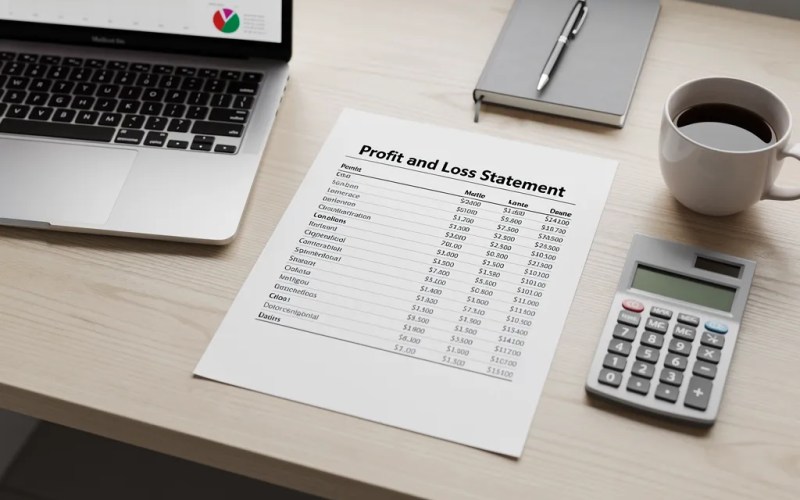

Transactions: Accounting and Bookkeeping Software
Bank reconciliation involves continuously matching imported transactions against your bank statement to ensure balances align. Pocket Accountant’s bank feeds, powered by Plaid, automatically import and categorize transactions using AI, so you review, code entries to the general ledger, and confirm, cutting manual data entry and keeping records audit-ready.
Bank reconciliation compares recorded transactions against monthly bank statements to confirm matching balances. Small business owners import bank-feed transactions through Pocket Accountant’s Plaid connection, then review and code each entry to the general ledger. Regular reconciliation, whether weekly or monthly, catches unauthorized charges early and keeps cash flow accurate before tax season arrives.
Key Takeaways
- Regular reconciliation catches errors and fraud before they drain your cash reserves and disrupt bill payments.
- Automated bank feeds eliminate manual data entry, reducing the reconciliation process from hours to minutes each month.
- Small businesses lose an average of 5% of annual revenue to fraud, making monthly reconciliation a critical financial safeguard.
- Reconciled accounts give your CPA clean, accurate records ready for tax season without scrambling or rework.
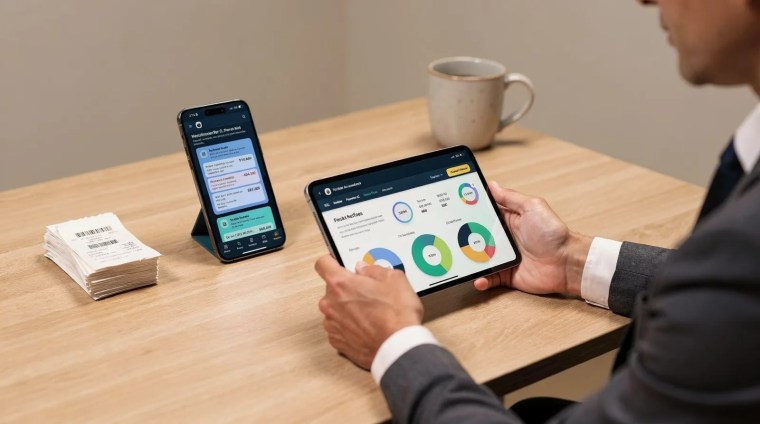
What Does Bank Reconciliation Actually Mean?
Bank reconciliation means comparing cash recorded in a business’s financial records against the actual bank balance to find any differences. Small mistakes hide in plain sight without this check. A skipped fee, a duplicate charge, or a missed deposit can throw a business owner’s numbers off for weeks. Account reconciliation, more broadly, compares internal records with outside statements, whether those come from a bank, a credit card company, or a payment processor.
At its core, the process asks a simple question: does the money on paper match the money that actually moved?
Why does reconciliation involve more than just checking the balance?
A final balance can look correct even when individual transactions don’t line up. Two errors can cancel each other out, masking a real problem underneath. That’s why reconciliation works line by line, matching each entry against the bank record rather than trusting the bottom number alone.
Reconciliation typically checks for:
- Deposits and withdrawals recorded correctly
- Bank fees or interest not yet entered
- Duplicate or missing entries
- Timing differences between when a transaction occurs and when it clears
Once transactions are confirmed, they get coded into the general ledger, keeping financial records accurate and current.

How Do You Reconcile Transactions Step By Step?
Reconciling means comparing business records against a bank statement, checking that each deposit shows up as income and each withdrawal appears as an expense, then confirming the ending balances match. Small business owners, freelancers, and sole proprietors skip this step often, and unmatched entries pile up fast. A missed fee or duplicate charge hides easily in a busy ledger until it becomes a bigger headache at tax time.
The process breaks into a few manageable steps:
- Connect the account. Trusted providers such as Plaid let business owners link a Bank account or other financial institution, pulling in balances and bank-feed activity automatically.
- Let transactions import. Business transactions flow in on their own, so the task shifts from manual entry to reviewing and confirming categories.
- Review with AI support. Built-in assistance helps sort transactions and interpret the numbers, turning raw activity into insights that actually mean something.
- Match receipts to purchases. Scanning a receipt the moment a purchase happens keeps every expense documented and ready for comparison.
- Confirm the ending balance. Once every deposit and withdrawal lines up, the book balance should match the bank statement exactly.
Why does reconciliation feel so tedious for small business owners?
Manual entry eats hours that freelancers and sole proprietors rarely have to spare. Automated feeds and AI-assisted categorizing cut that workload down to quick review instead of line-by-line typing.
What happens if reconciliation gets skipped?
Errors and unauthorized charges accumulate silently. Catching them early protects cash flow and keeps tax preparation far less stressful.
Why Does Skipping Reconciliation Put You At Risk?
Skipped reconciliation lets small errors turn into real cash problems. Unauthorized charges and mistakes build up quietly in the background. Weeks later, a business owner opens the bank account and finds a shortfall, with no cash left to cover bills or tax payments. That gap doesn’t announce itself early; it just shows up when it’s least convenient.
Fraud adds another layer of risk. The Association of Certified Fraud Examiners reports that small businesses lose an average of 5% of annual revenue to fraud each year. Consistent reconciliation catches much of that loss early, before it grows into something harder to recover.
Does reconciliation actually prevent fraud?
Reconciliation won’t stop fraud from happening, but it shortens the window where it goes unnoticed. Comparing recorded transactions against statement activity on a regular basis surfaces suspicious charges while there’s still time to dispute them.
Reliable tools make this easier to sustain. Connected accounts benefit from strong encryption and technical safeguards, protecting sensitive financial data. Broad integration options also let reconciliation work alongside the systems a business already relies on, rather than replacing them:
- Encrypted account connections for added confidence
- Compatibility with existing financial software
- Automatic transaction updates flowing into the ledger
FAQ
What is bank reconciliation?
Bank reconciliation compares cash recorded in a business’s financial records against the actual bank balance to find differences. It checks deposits, withdrawals, fees, and timing differences line by line rather than trusting the final balance alone.
How often should a small business reconcile transactions?
Regular reconciliation catches errors and fraud before they drain cash reserves and disrupt bill payments.
How does Pocket Accountant simplify the reconciliation process?
Pocket Accountant connects bank accounts through Plaid, automatically importing bank-feed transactions for review instead of manual entry. Built-in AI helps categorize transactions and interpret the numbers, while receipt scanning keeps every purchase documented and ready for comparison.
Conclusion
In closing, bank reconciliation doesn’t have to be a monthly headache that pulls you away from running your business. When you’ve got the right tools—ones that import transactions automatically, categorize expenses for you, and translate the accounting jargon into plain English—staying on top of your books becomes something you actually understand instead of something you dread. That’s the difference between books that work for you and books that work against you. Take control of your finances with confidence. Let the reconciliation process become the straightforward part of your month it should be.